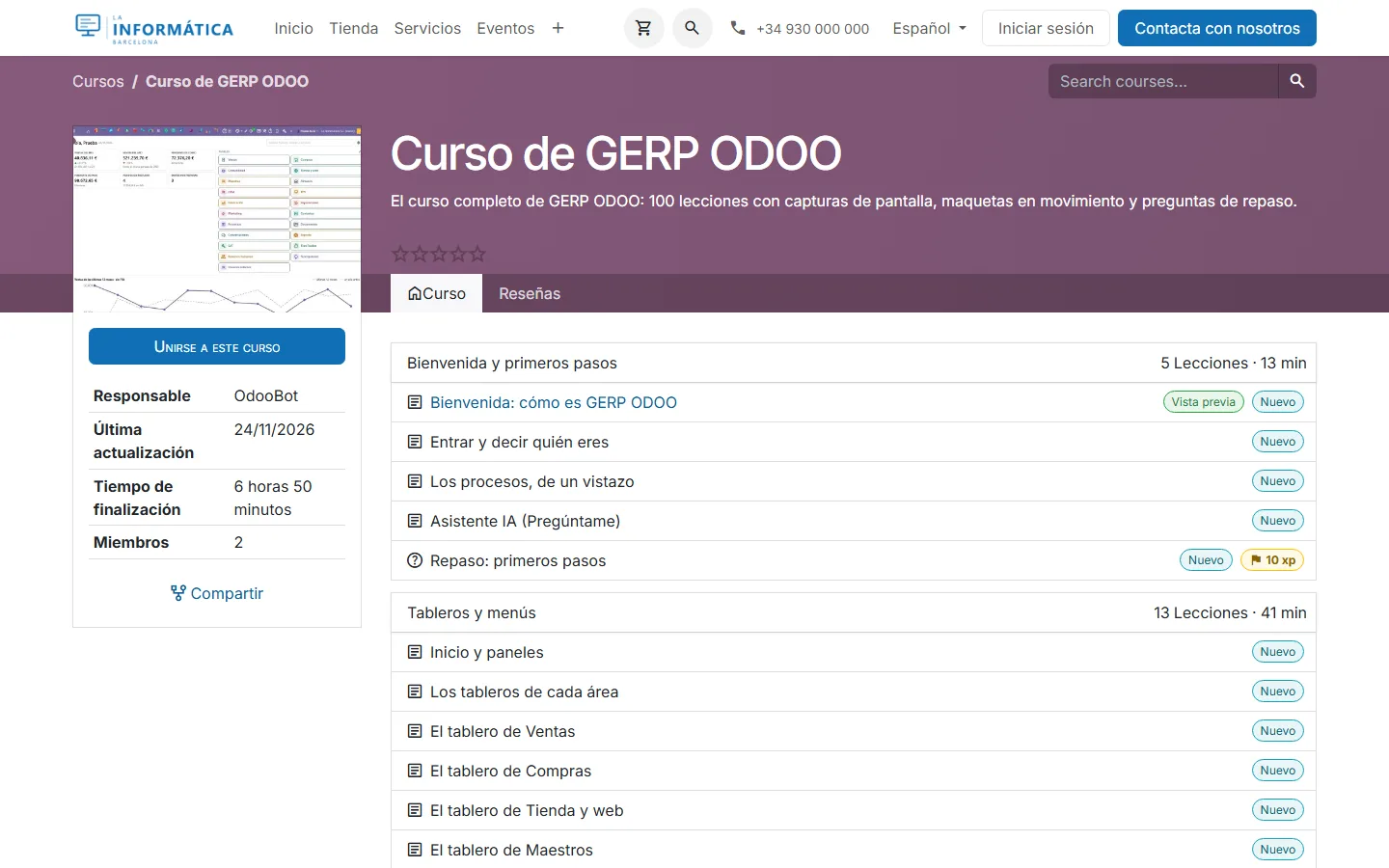
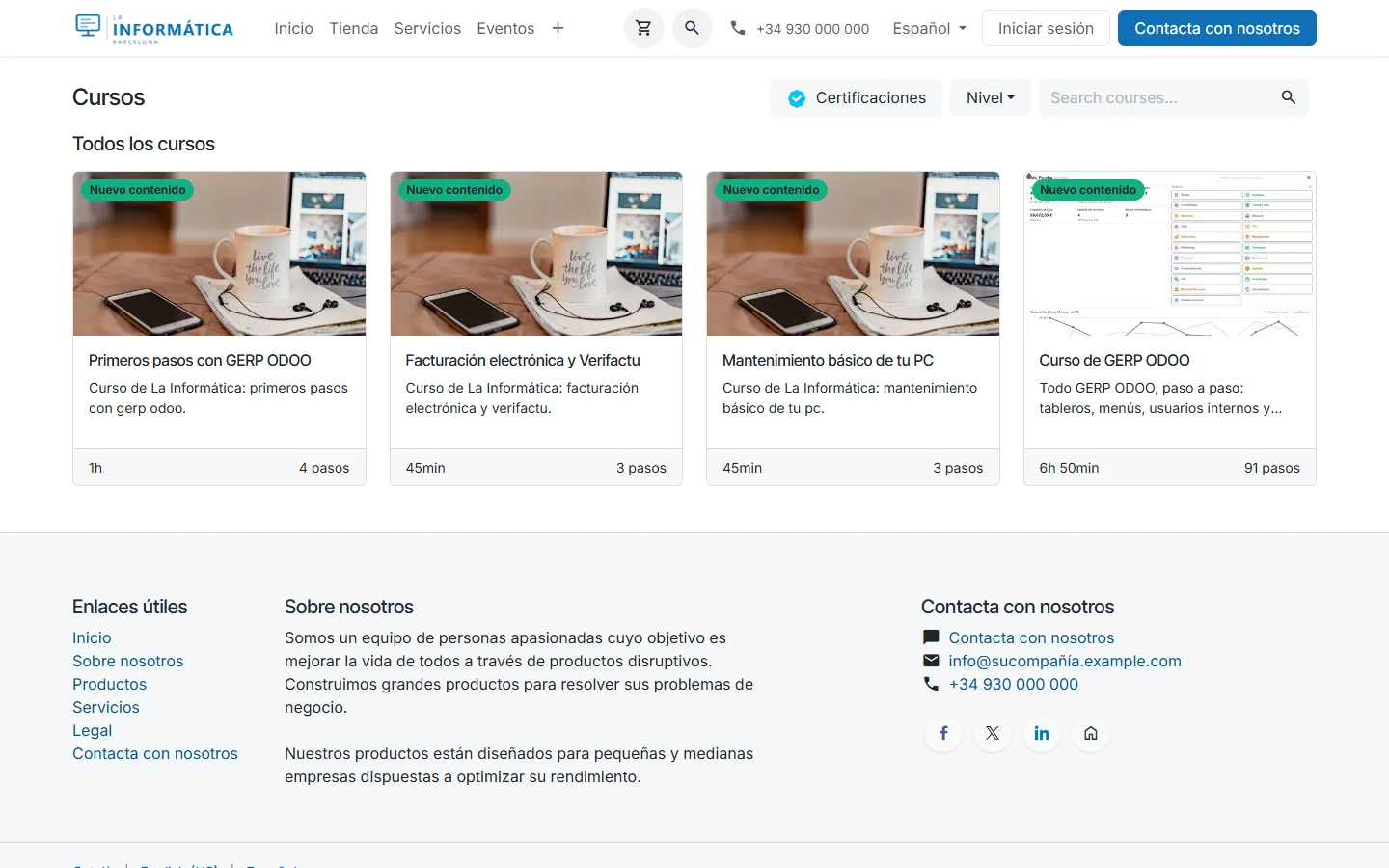
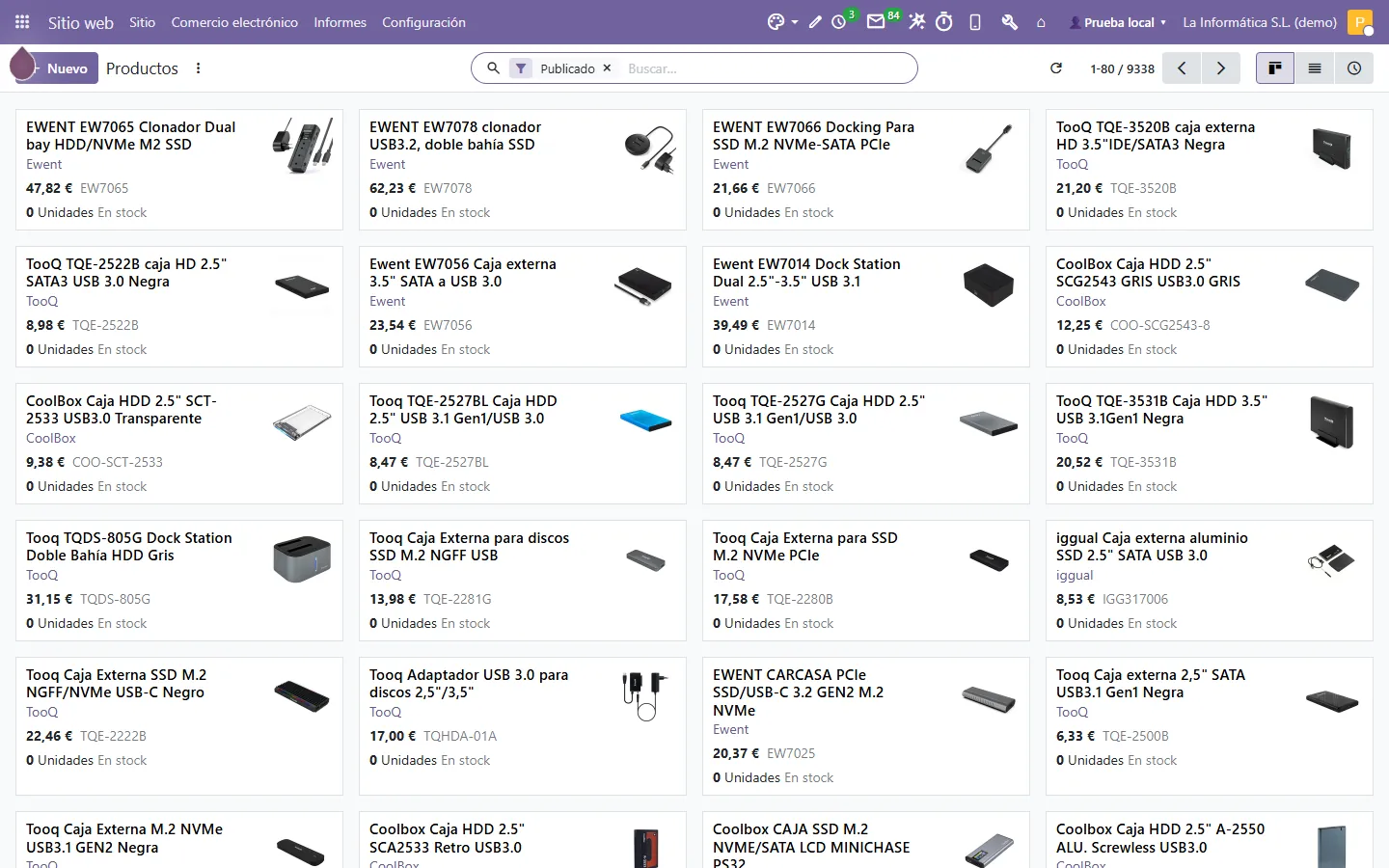
Reads purchase invoices with AI
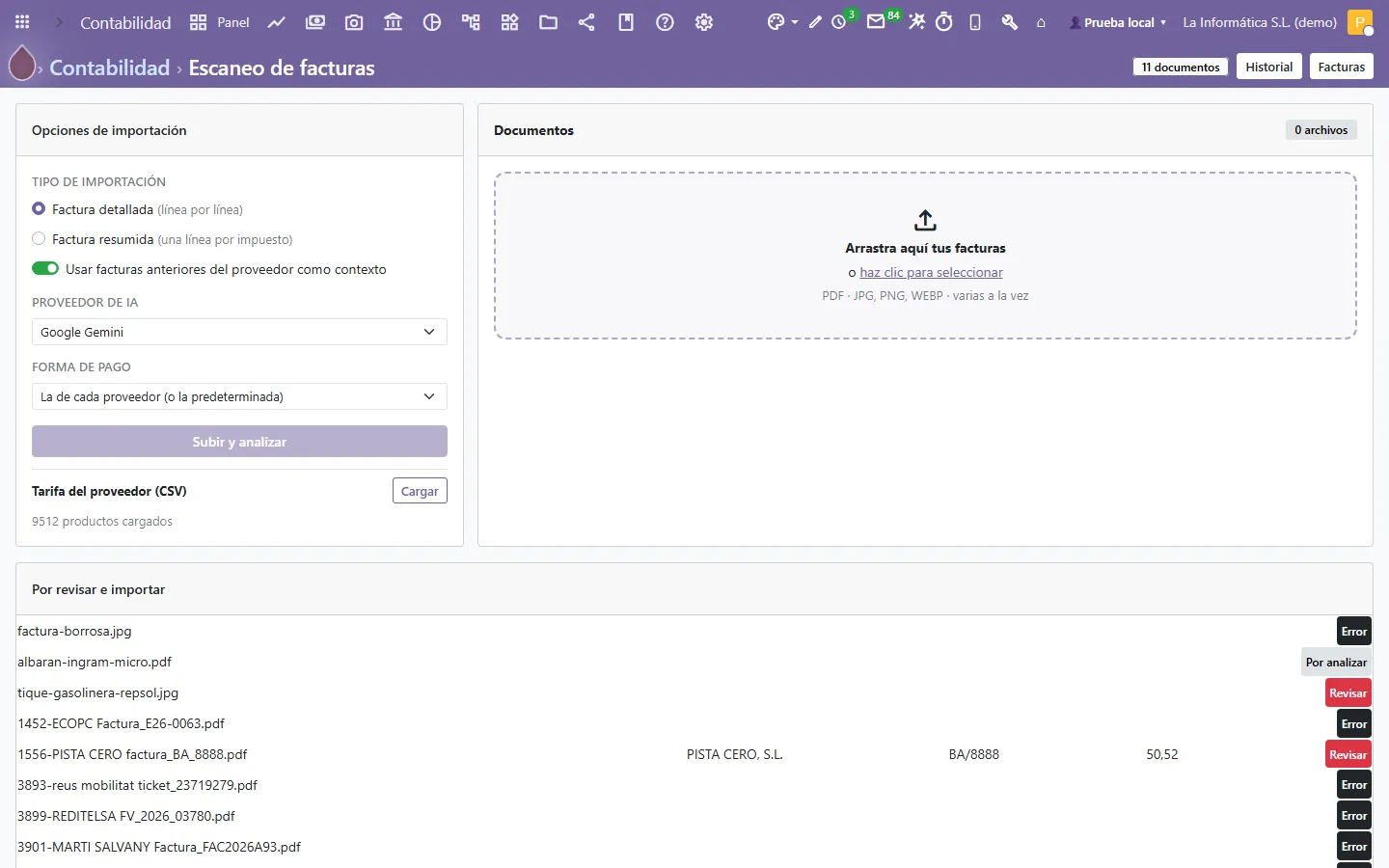
Drop the PDF or forward the email: AI picks out the supplier, VAT, withholding and the journal entry.
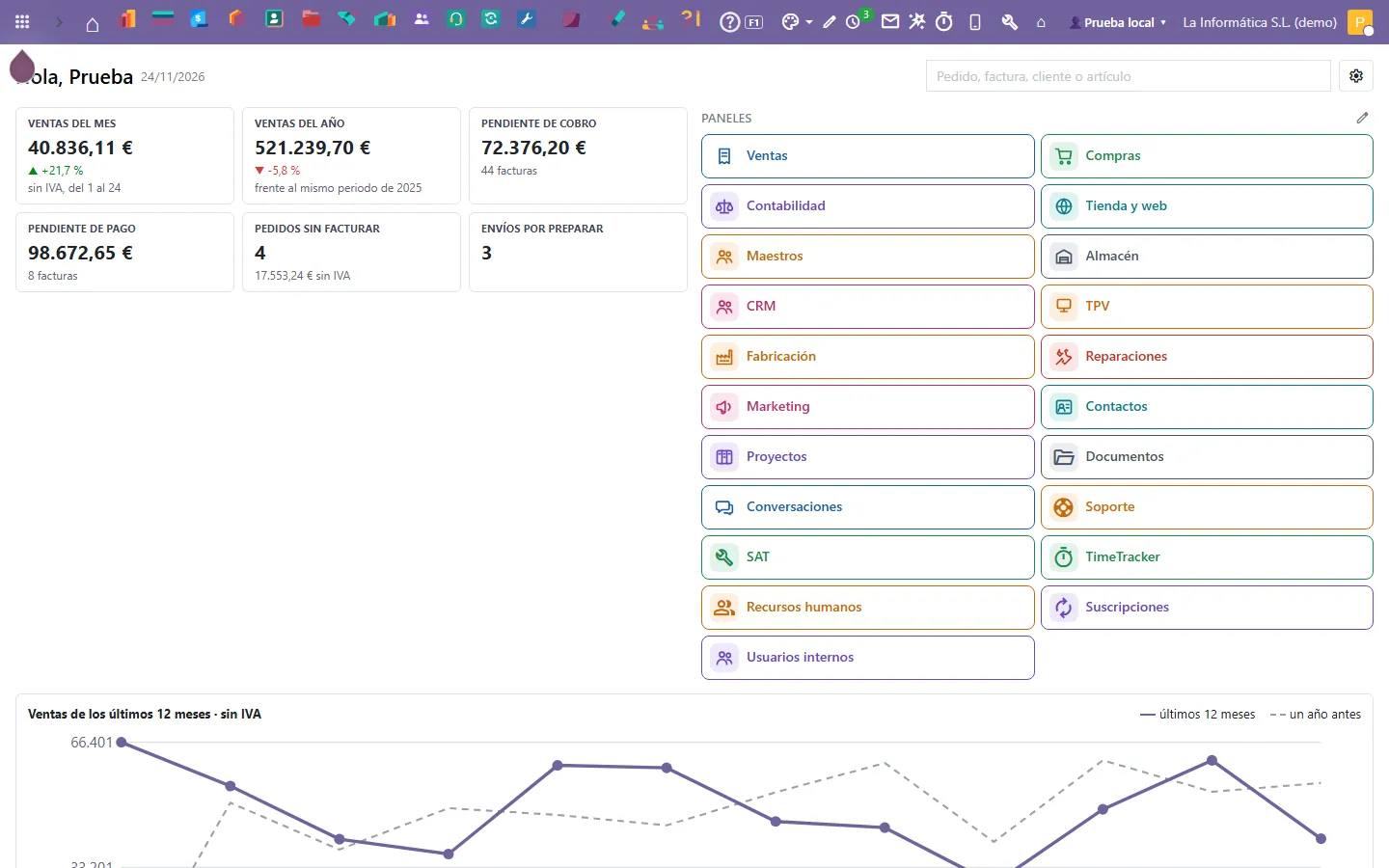
GestioERP inside Odoo 20 Community: Spanish accounting with the tax forms, POS, helpdesk and time tracking. No per-user licences.
Open without a login: Courses Shop Sample website
Year figures, journal entries, ledger and profit and loss. Import the bank statement in Norma 43 and each line is matched to its invoice or receipt.
See the accounting module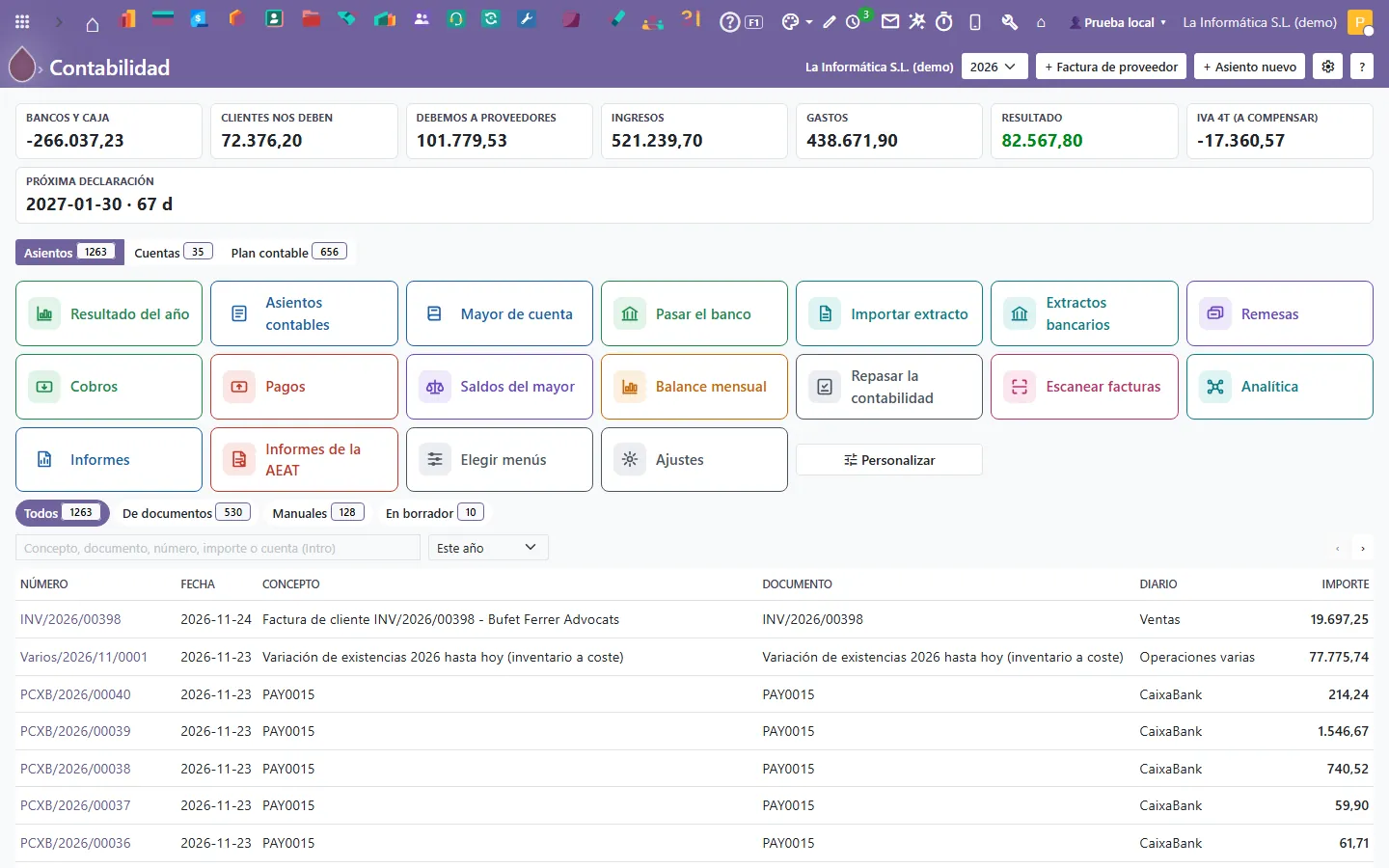
Drop the PDF or forward the email: AI picks out the supplier, VAT, withholding and the journal entry.
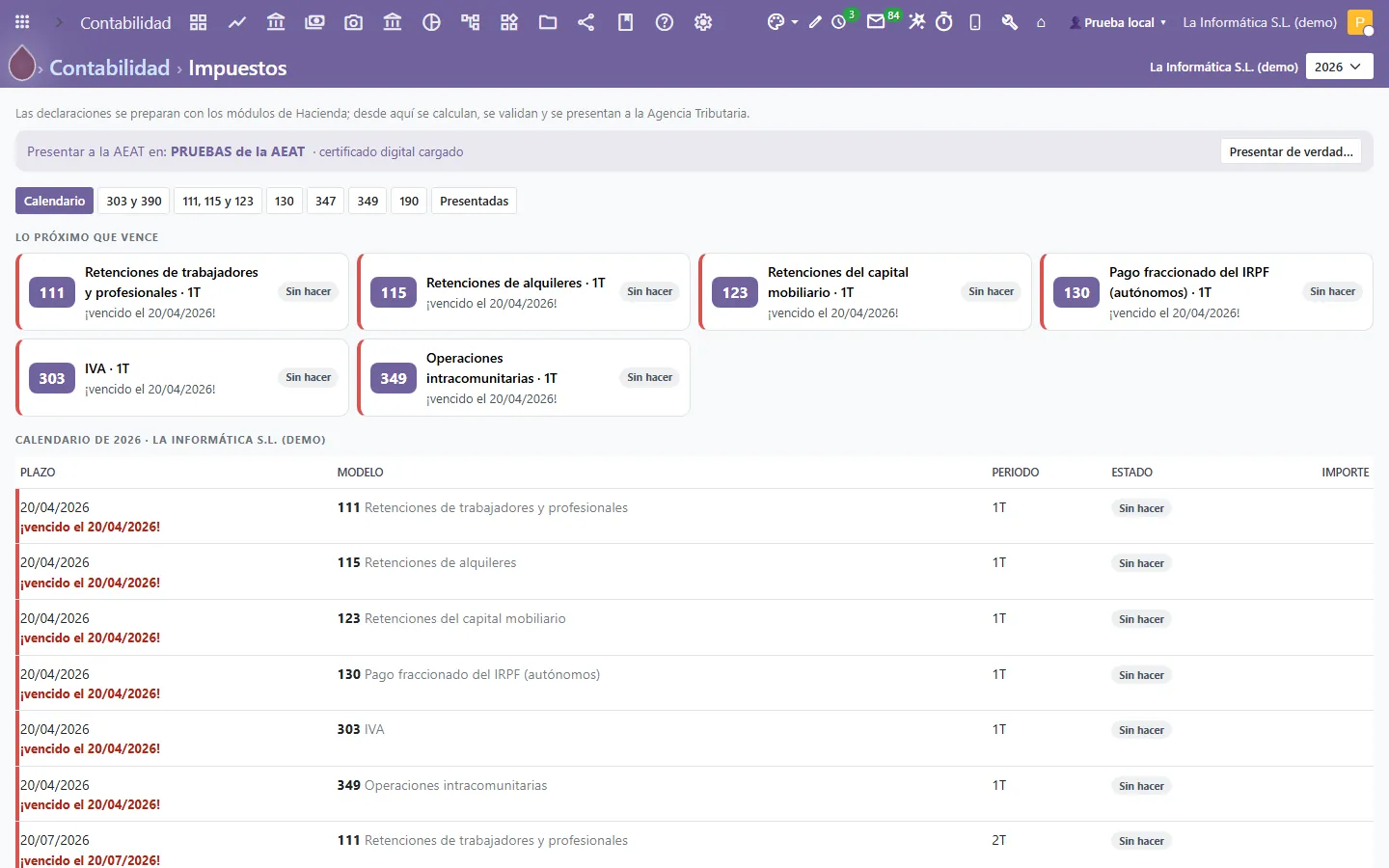
From form 303 to 390 in one grid, the next deadline on top, and filing with the AEAT.
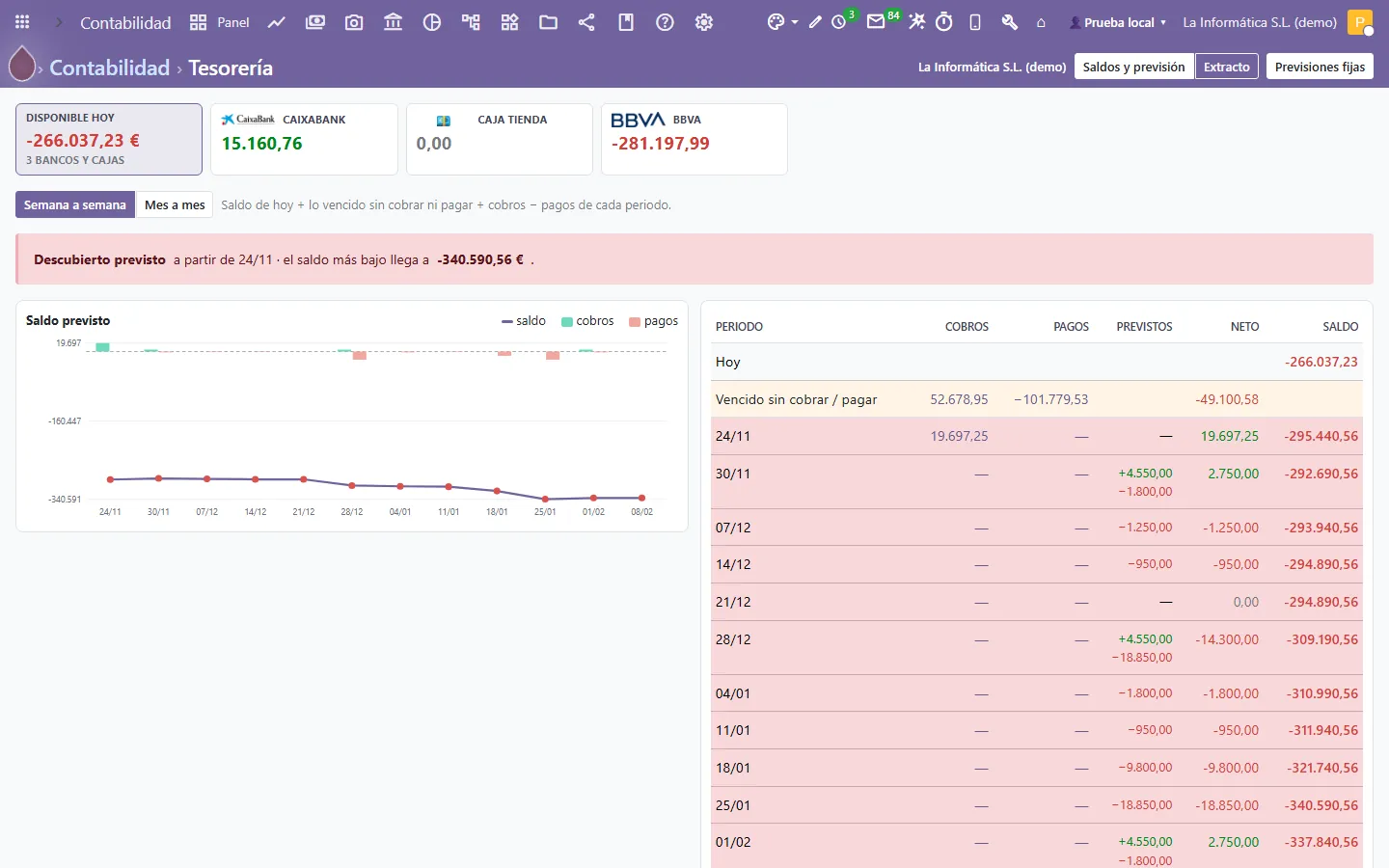
The balance of each bank and till, and what comes in and goes out week by week or month by month.
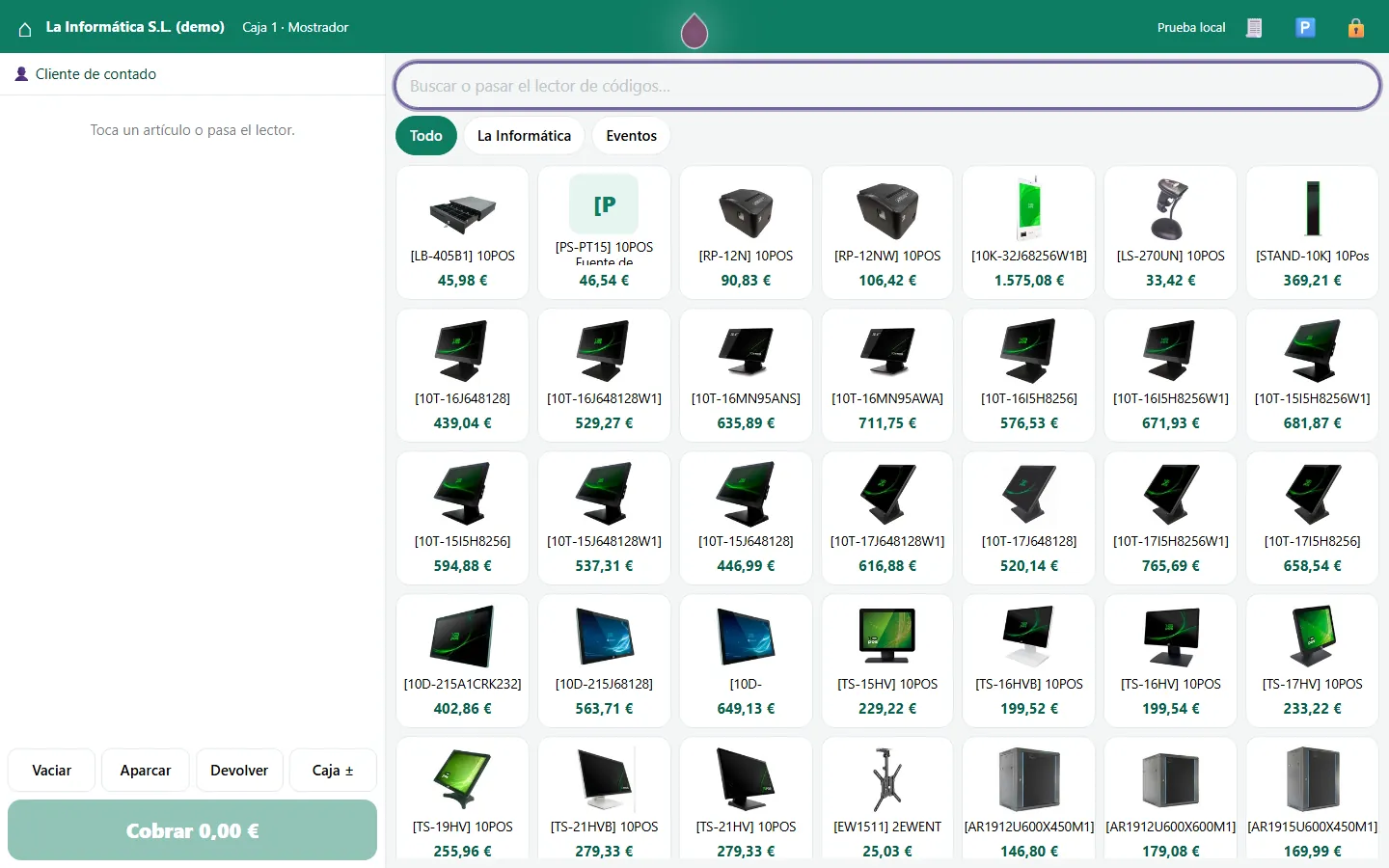
For handhelds, tablets and computers, with a barcode reader and split payments. It saves to the Odoo POS.
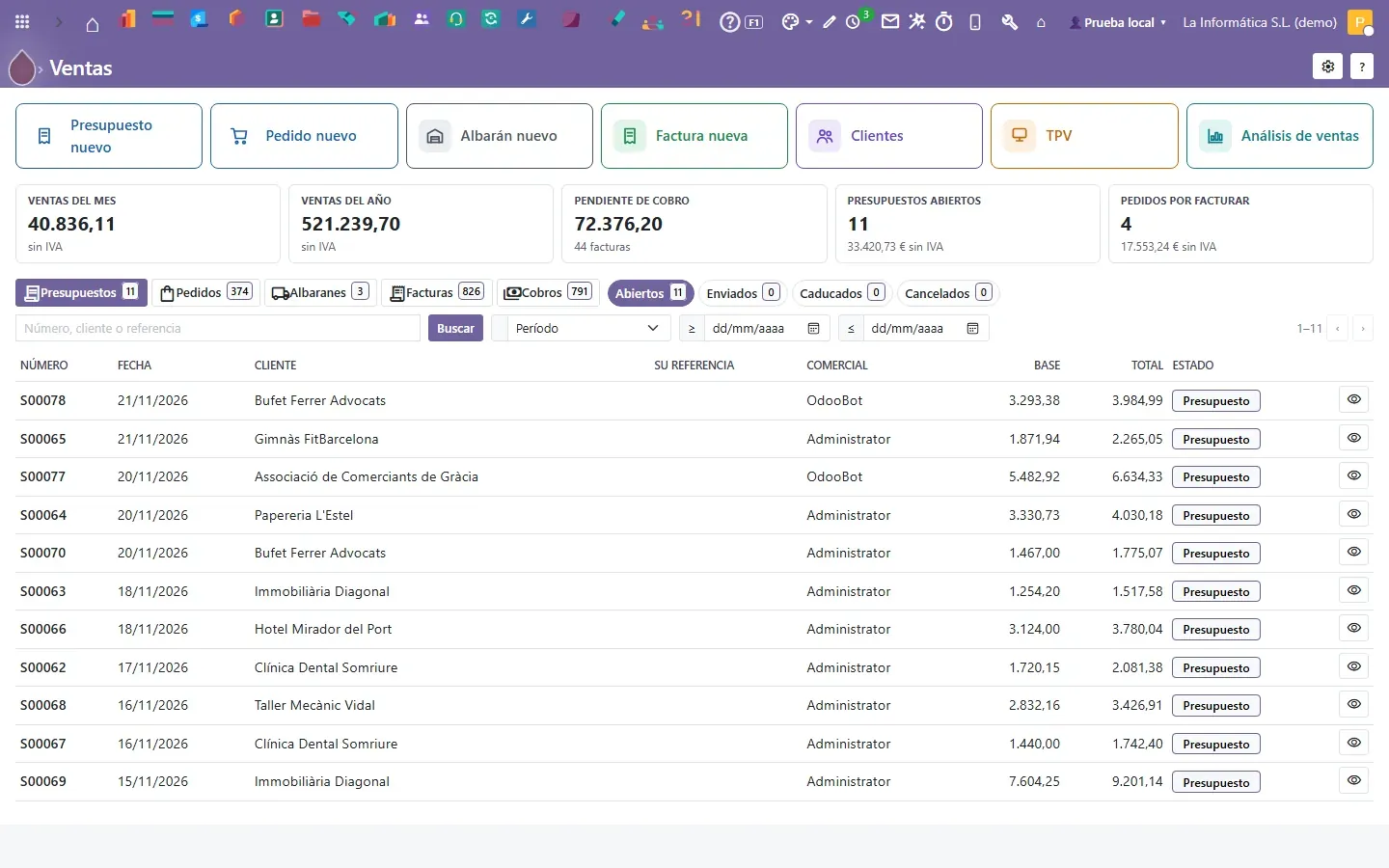
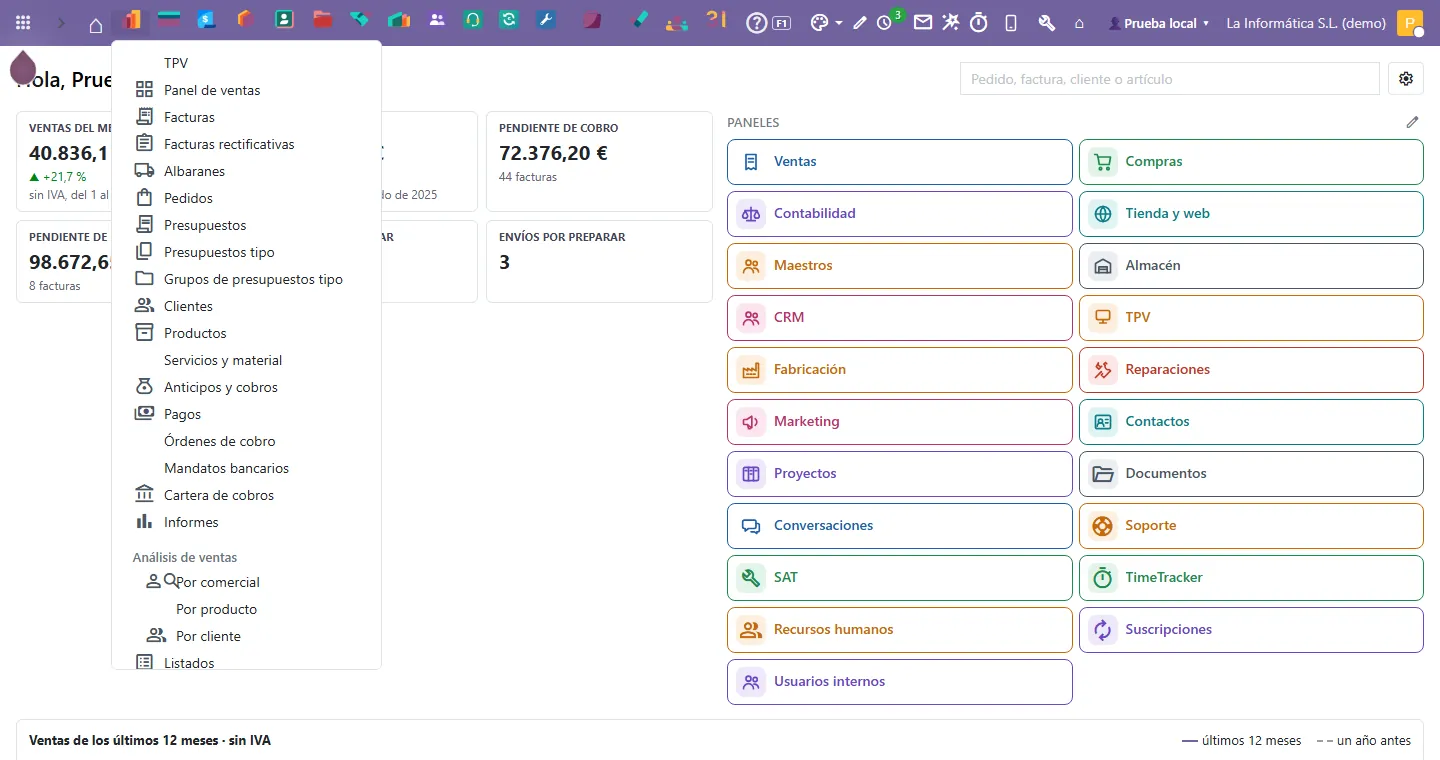
New quotation, order, delivery note and invoice one click away, with the month’s sales and what is still to be collected.
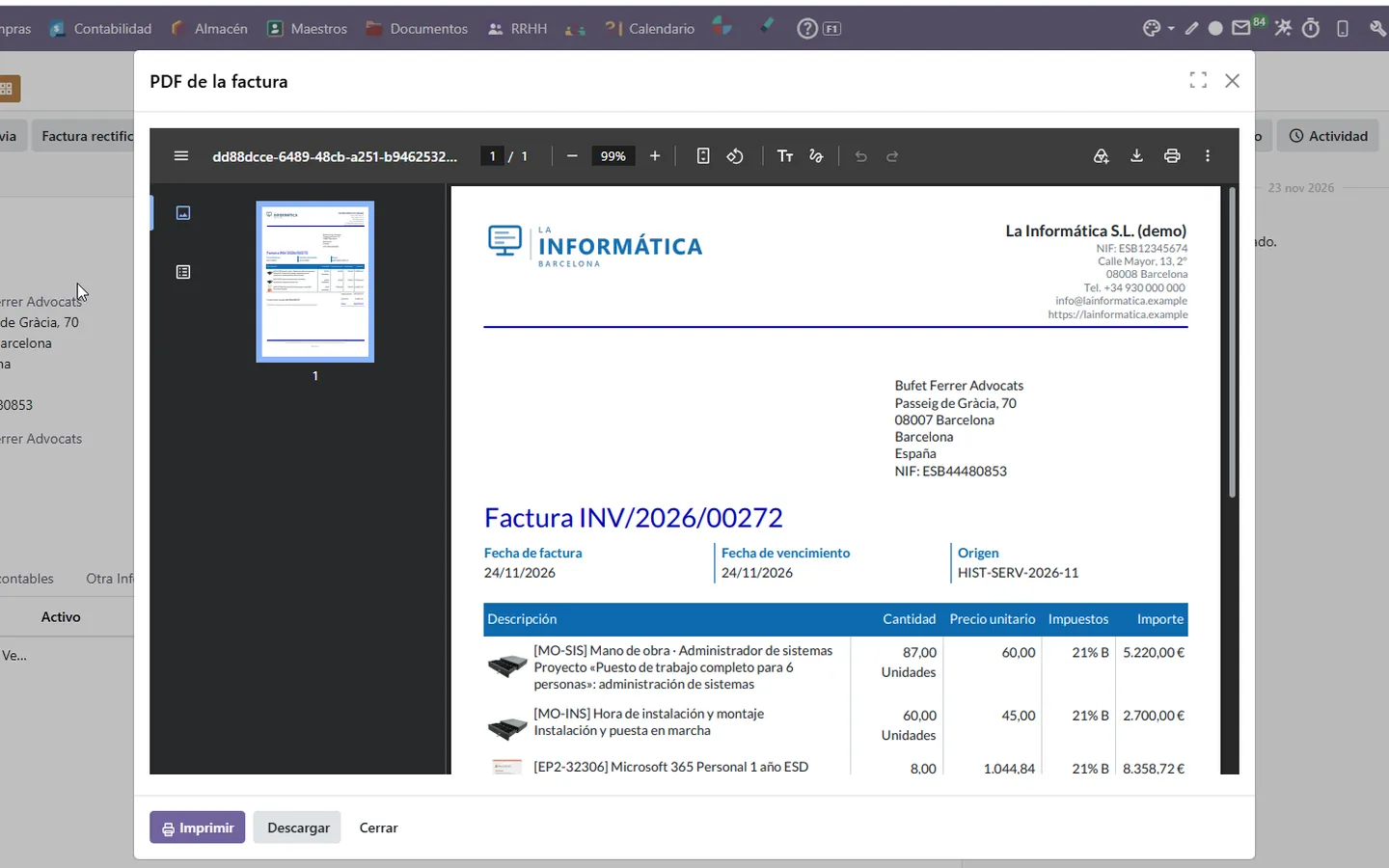
It comes with your logo and a photo of each item. Print it, download it or send it by email or WhatsApp.
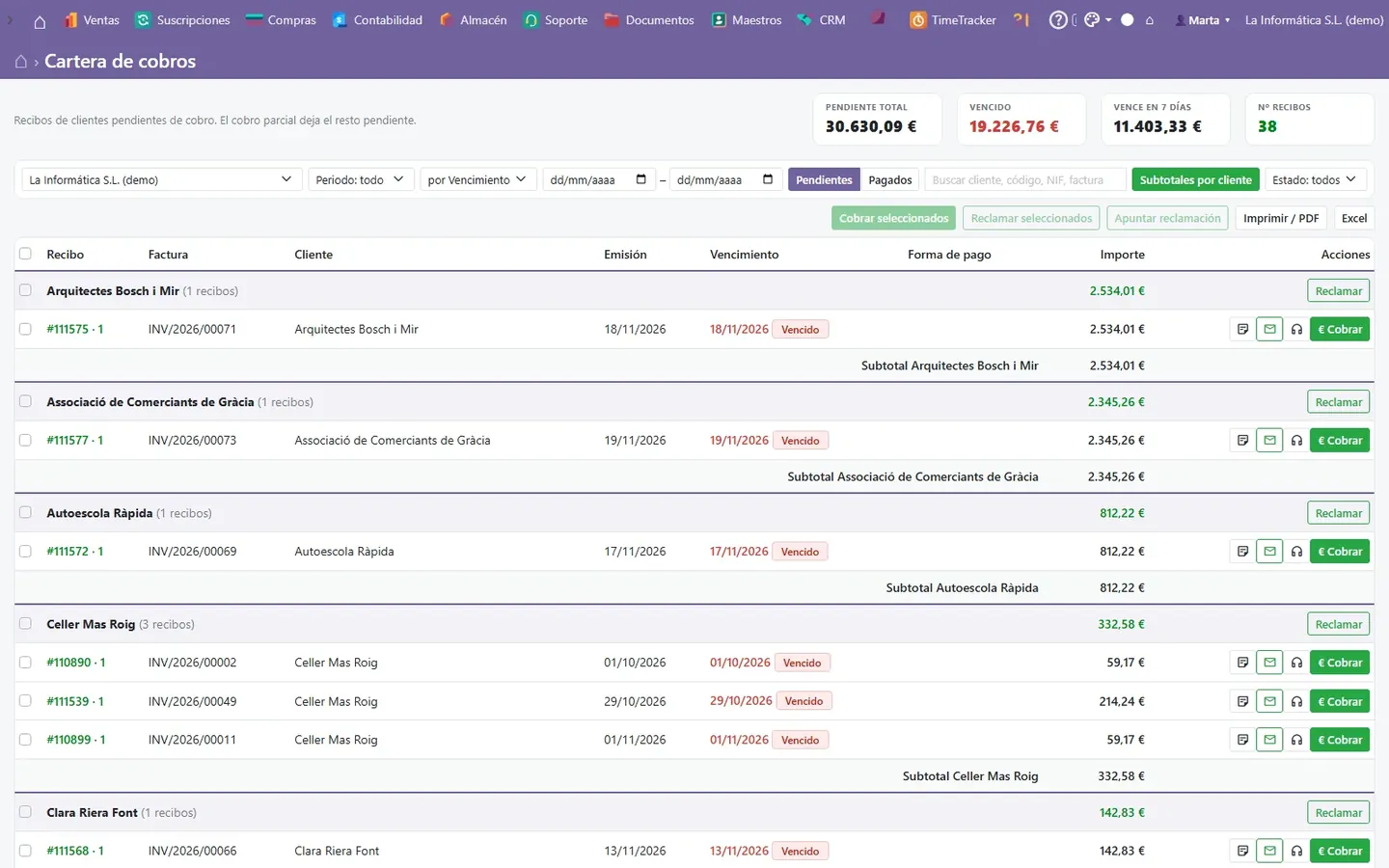
The receivables list groups receipts by customer, with overdue ones in red. Collect, chase by email or log the follow-up.
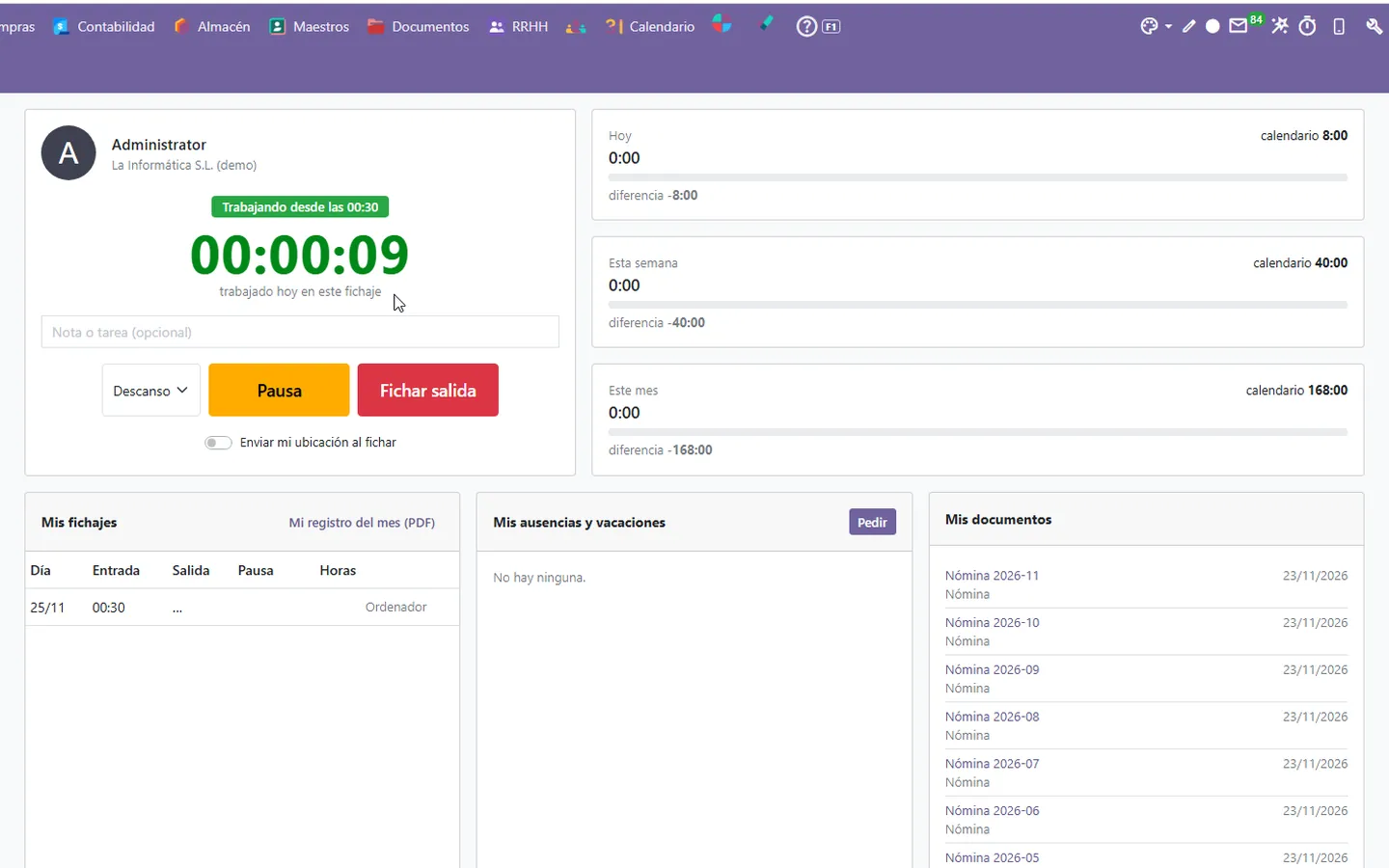
Clock in, pause and clock out from the computer or the phone, with your clockings, absences and payslips.
The free edition of Odoo, with the OCA community modules and the Spanish localisation. GERP ODOO runs in three places.
On your server or in our cloud. It is where every GERP module is tested.
They are added to your project repository, with the OCA modules they need.
Reviewed one by one to work alongside Enterprise, and tested first on a copy of your database.
We reply by email or phone. First you get an email to confirm the address is yours: nothing reaches us until you confirm it.
Prefer WhatsApp? Message us on 607 379 123.
Ask on WhatsApp at 607 379 123 or by email to demo@gerpodoo.com, and we send you the username and password.
No. Everything runs on Odoo 20 Community, including what Odoo only ships in Enterprise, such as helpdesk and subscriptions.
Yes: from FactuSOL, ContaSOL, Eurowin, Sage 50, Sage 200, TG Profesional 10 and 11, CORUS TEN, Golden Soft (Golden.NET), Holded, ClassicGes and many more, or from any Excel or CSV file. And we adapt the import to your company.
We adapt and test the GERP modules every year. Your version keeps working until you decide to move.
Yes. Each worker signs in with their own internal user and permissions, and every sign-in is logged with its device.
Ask on WhatsAppWe reply from 607 379 123