
AI assistant (Ask me)
A button at the top to ask how to do something or about your data; it replies in your language, first with the knowledge base and only if needed with the AI.
- Technical name
gerp_asistente- Author
- GestioERP · SIAM Cloud
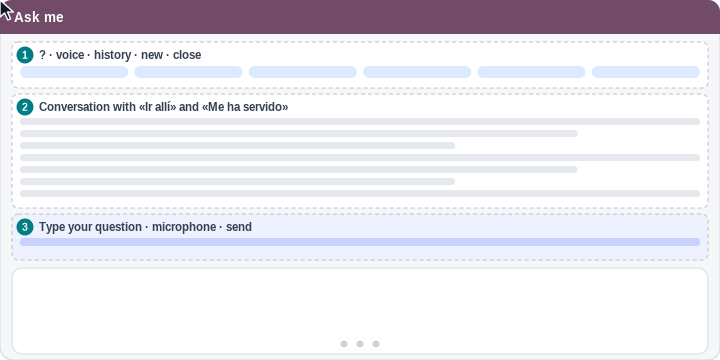
Ask me
Top bar button.
- Help, read aloud, history, new conversation.
- The answers with the button to go to the screen and the rating.
- Type or dictate the question.
The assistant
Press the assistant button at the top («Ask me»), type or dictate the question and send it; it answers in your language.
Questions about the data
Ask «how much have I sold this month?», «what does X owe me?», «overdue invoices»…; it calculates with your permissions and the active company.
The go there button
«Go there» opens the screen the answer is about.
Read aloud
The assistant's speaker button.
Dictate the question
Microphone button next to the question box (if the browser allows it).
The assistant history
Clock button: your previous questions.
It helped me
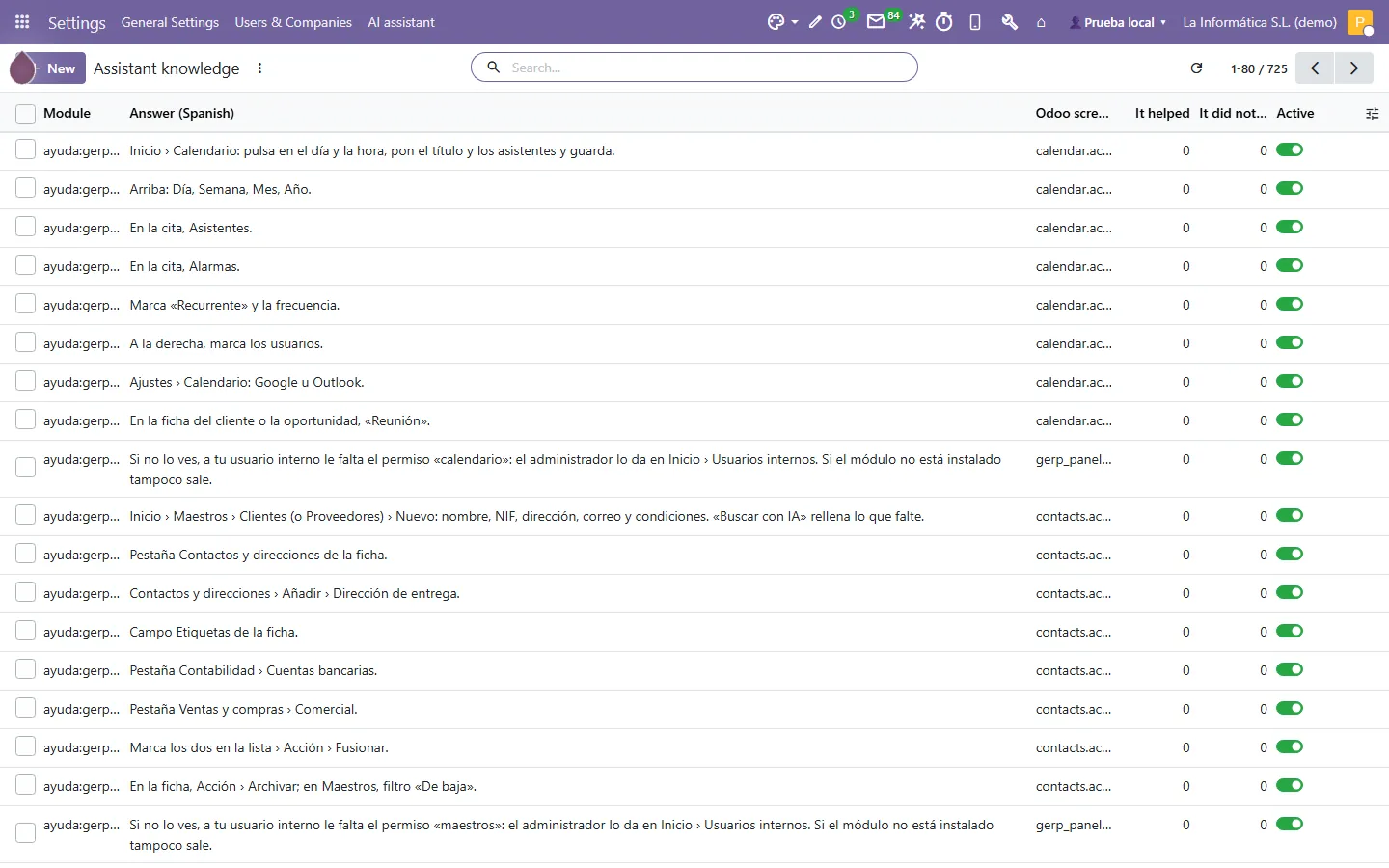
«It helped me / It did not help me» below each answer; the ones that do not help are reviewed.
The knowledge base
AI assistant › Knowledge (administrator); and in «Unanswered questions», the ones that need adding.
The unanswered questions
AI assistant › Unanswered questions.
The AI spending of the assistant
It first searches the knowledge base of the installed modules; only if nothing fits does it ask the AI configured in Accounting.
Questions
- How do I ask the program something?
- Press «Ask me».
- How do I ask how much I sold?
- Ask about sales or debts.
- How do I go to the answer's screen?
- «Go there».
- How do I have it read the answer?
- Speaker button.
- How do I ask by voice?
- Microphone button.
- How do I see what I asked?
- Clock button.
- How do I rate an answer?
- «Helpful / Not helpful».
- How do I add an answer?
- AI assistant › Knowledge.