
Support: form on the website
The website's /soporte page so anyone can open a support ticket with their name and email, in the teams marked «Website form».
- Technical name
gerp_helpdesk_website- Author
- GestioERP · SIAM Cloud
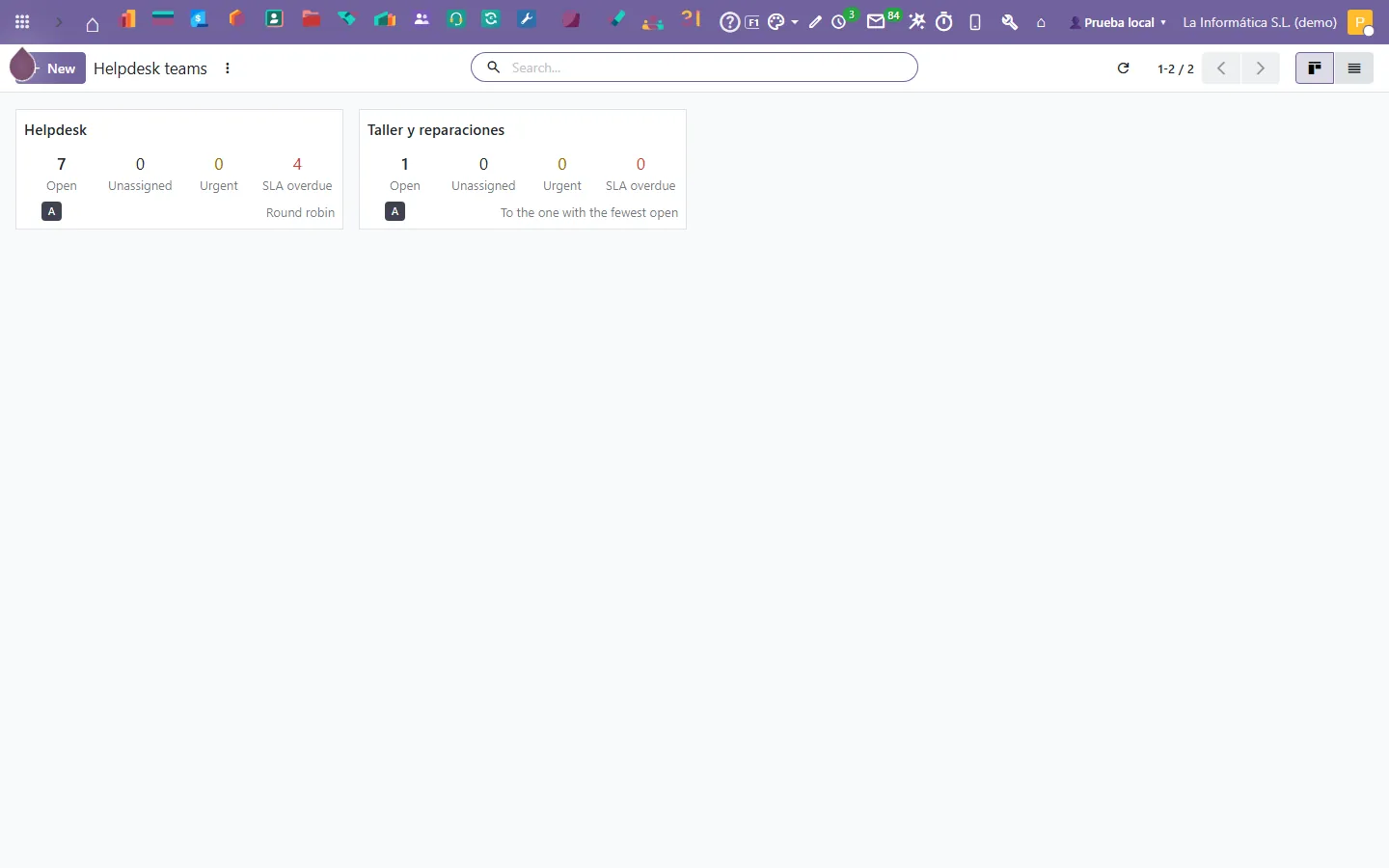
The /soporte page
On the company website, the /soporte address shows a form: name, email, phone (optional), equipment (if there is more than one), subject and description. When sent, a ticket is created with channel «web» and the person receives a notice that it has been received.
- If there is no team with a form, the page warns that tickets cannot be opened right now.
- Name, email, subject and description are required; the phone number is not. The equipment selector only appears if there is more than one.
- The person's message becomes the description of the ticket.
- On sending, «Received!» appears with the ticket number.
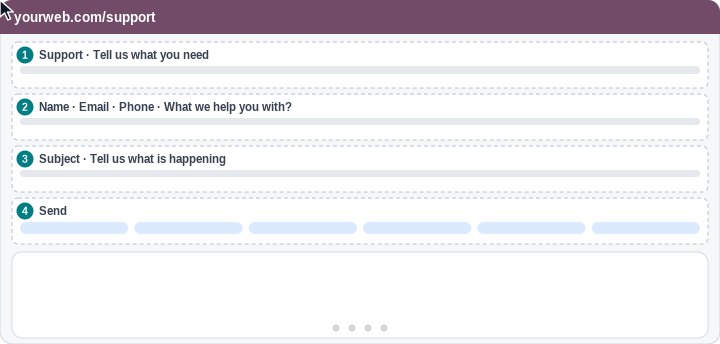
Which teams are shown
Only who I choose.
- The team record.
- Tick it so the team appears in /soporte.
- The rest of the equipment settings do not change by being on the web.
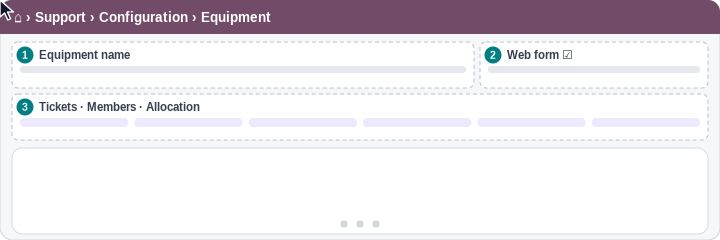
The ticket that is created
If the person writing has logged in with their user and their email matches the one in their record, the ticket is linked to their contact. If not, name, email and phone are saved as they typed them. The ticket appears in Support › Tickets like any other.
Bot protection
The form has a hidden trap field: if anything fills it in, no ticket is created («Received» is still shown so as not to give clues). Text lengths are limited.
Questions
- How do I open a support ticket from the website?
- Go to /soporte on the website, fill in name, email, subject and description and press «Send». A ticket is created and you'll get a reply by email.
- How do I make a team show on the web form?
- In Support › Configuration › Teams open the team and tick «Web form». Only those teams appear on /soporte.
- The website says requests can't be opened
- No team has «Web form» ticked (or it belongs to another company). Tick it on the team in Support › Configuration › Teams.
- Where do web requests arrive?
- As one more ticket in Support › Tickets, with channel «web». The customer's text is the description and their contact details stay on the ticket.
- What does the support form ask for?
- Name, a valid email, subject and description are required; phone is optional. With several teams on the web, you also pick «What can we help you with?».
- If I'm logged in, is the ticket linked to my contact?
- Yes: when logged in the form pre-fills your name and email, and if the email matches your record the ticket is linked to your contact. With another email the details are saved as typed.
- How does the form avoid spam?
- It has a hidden field: if a bot fills it no ticket is created, though it is shown «Received». There are also length limits and a valid email is required.
- What does this add-on install?
- It installs itself when Support and Odoo's website are present. It adds the /soporte page and changes nothing else: tickets are handled the same way in Support.