
Your email accounts (IMAP/SMTP) inside Odoo: folders, read, reply, forward, compose with attachments and signature, and save an email on the customer or supplier record.
- Technical name
gerp_correo- Author
- GestioERP · SIAM Cloud
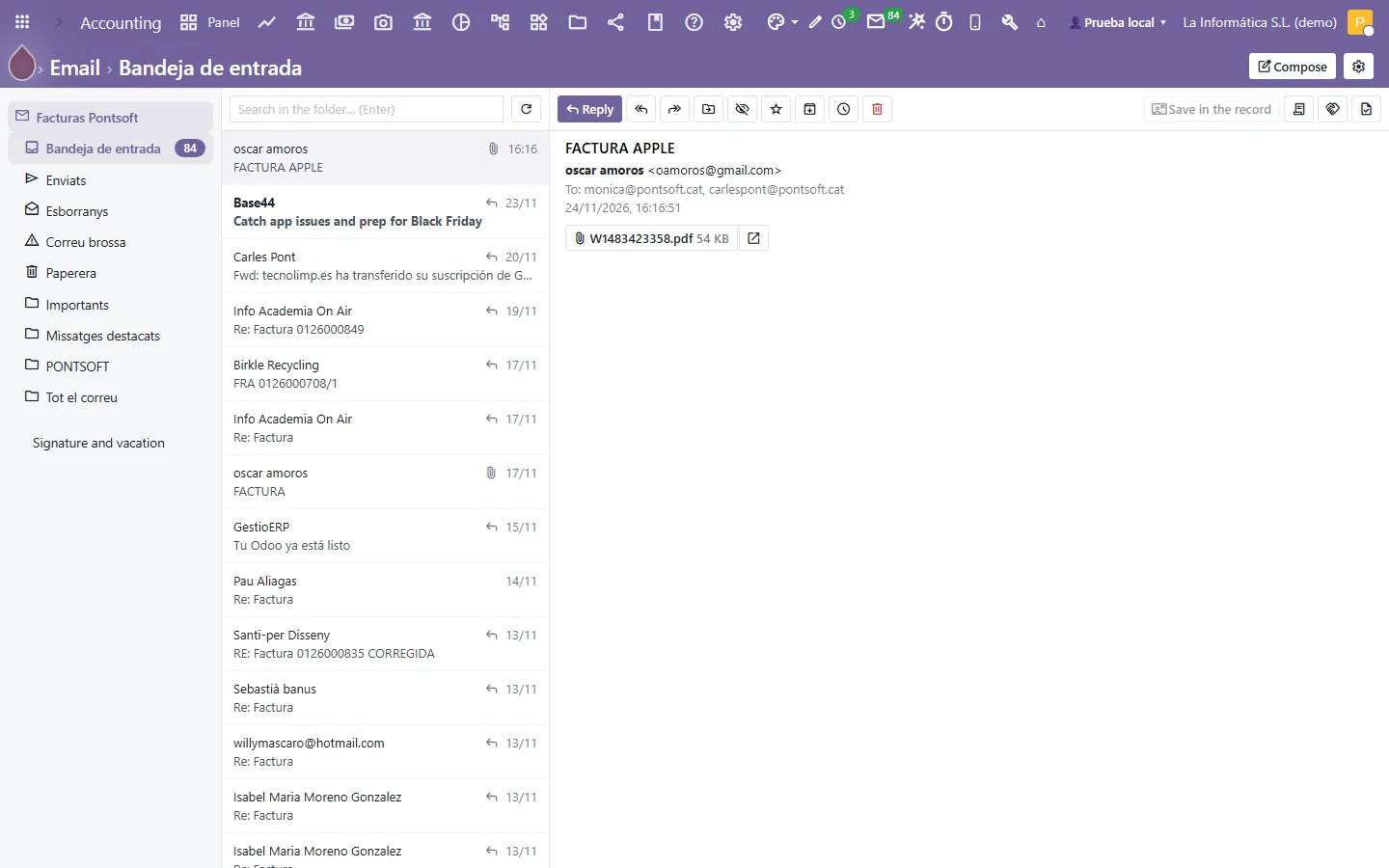
Tray
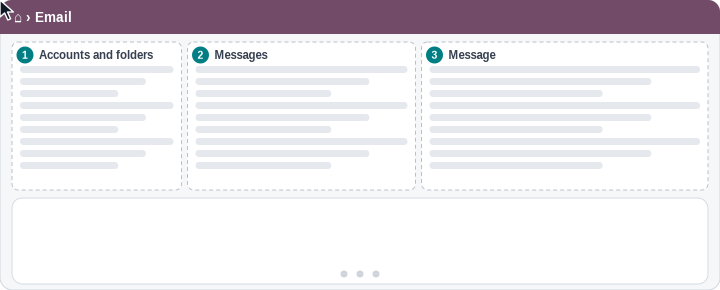
Three columns; on mobile, one.
- ↑↓ Messages
- Enter Open
- R Reply
- Del Delete
- Esc Back
- Each account with its folders and unread items.
- Sender, subject, date; search box.
- Reply, Forward, Move, Delete, «Save in the record», create opportunity or task.
Write an email
In Email, «Compose»: to, cc, bcc (with contact suggestions), subject, formatted text, attachments and the account signature.
The email folders
In the message, «Move» and choose the folder (the server's folders too).
The connection test
Email › Email accounts › «Test connection» (suggests the servers according to the domain).
Create an opportunity from an email
In the message, «Create» › Opportunity or Task (if those modules are installed).
The email attachments
Below the message, each attachment downloads when you press it.
The email signature
In the email account, Signature field.
Several email accounts
Add each account and assign it to its users; each person sees only their own.
Search an email
Search box above the folder's message list.
Questions
- How do I read my email in Odoo?
- Mail › Accounts: IMAP and SMTP server and «Test connection»; then the Inbox.
- How do I write a new email?
- «Compose».
- How do I move an email?
- «Move».
- How do I check the account works?
- «Test connection».
- How do I turn an email into an opportunity?
- «Create» › Opportunity.
- How do I download an attachment?
- Below the message.
- How do I set my signature?
- Signature field.
- How do I have two accounts?
- Each user sees theirs.