
Company group: brands
The brands (product_brand) separated by company like products: those of the group are only seen by the companies in the group and those of a company, only by that one. It is installed only when both modules are present.
- Technical name
gerp_grupo_empresas_marcas- Author
- GestioERP · SIAM Cloud
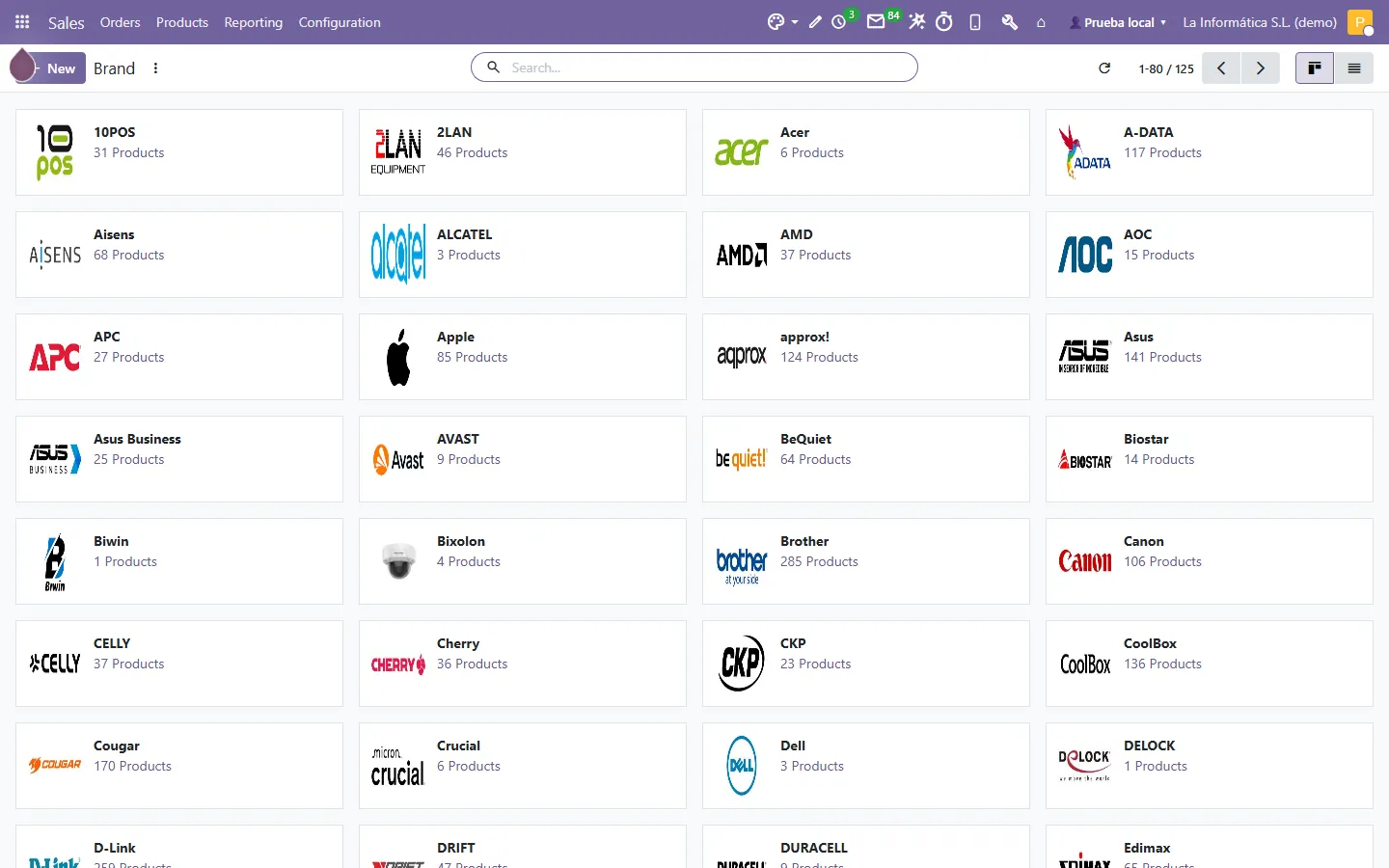
Brands separated by company
With several companies in the same database, Odoo shows all brands to all of them. With this add-on, each brand belongs to «the group» or to one company, just like products: group brands are only seen by the companies of the group, and a company's brands only by that company.
- A brand of the group.
- A brand belonging to a company outside the group.
- A brand with neither of the two: everyone sees it.
- What the companies marked «of the group» see».
- What a company outside the group sees.
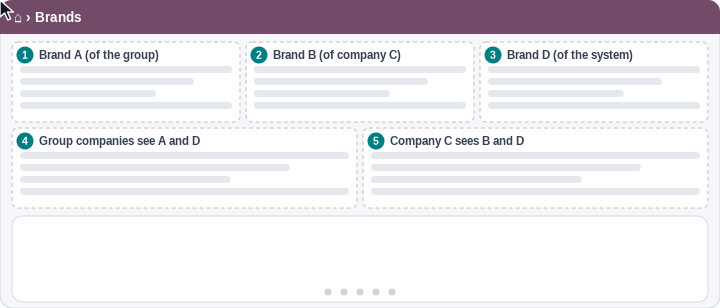
When it is installed and what it needs
It is installed automatically when the «Company group» and «Brands» (product_brand) modules are present. It depends on the first: companies are marked as part of the group in Settings › Companies, as explained in the Company group help.
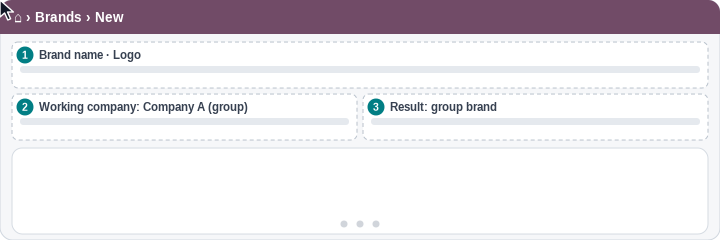
Which brand a new brand receives
The brand you create stays «of the group» if you work with a company in the group, or belongs to your company if it is not, just like a product. If you indicate the company yourself when creating it, that is respected. What is loaded when installing modules is not marked.
- The record of a new brand, as always.
- The company selector at the top.
- It is marked automatically, with no new fields in the record.
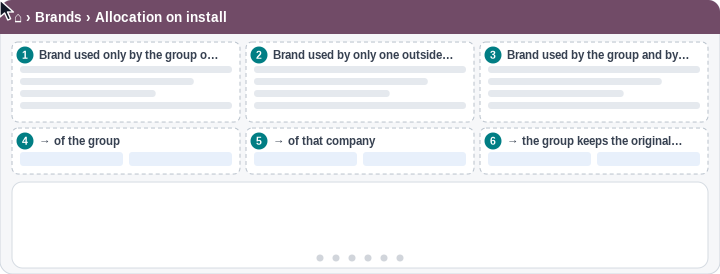
The brands that already existed
On installation, the existing brands are distributed according to which products use them: if only the group uses them or nobody, they belong to the group; if only one outside company uses them, they belong to that company; if the group and another company use them, the group keeps the original and that company receives a copy (with its logo) to which its products move. It can be repeated without changing what has already been distributed.
- Most common case: no conflict.
- It stays as that company's brand.
- This is the case of a brand shared by mistake between the group and someone outside.
- The companies in the group see it.
- Only that company sees it.
- The copy has the same name and logo, and the products of that company start using it.
What changes in the records
Nothing: the list, the record and the products with a brand look the same. Only which brands appear changes depending on the company you work with, also in the «Brand» dropdown of the product.
What you need to know
It has no menu or permission of its own. If a brand does not appear, check which company you work with (selector at the top) and whether that company is marked «of the group» in Settings › Companies.
Questions
- How are brands separated between companies?
- Each brand is «group» or company-owned: group brands are seen only by group companies and a company's own only by that company. Brands with neither are seen by everyone.
- I can't see a brand when I switch company
- That brand is group-level or belongs to another company. Check which company you're working with (top selector) and, if it's a group brand, that your company is ticked «Group» in Settings › Companies.
- Whose is a new brand?
- It is decided by the company you work with: in a group company the brand is group-level; in an outside one, that company's. If you set the company when creating, that is respected.
- What happens to existing brands?
- They are split by the products that use them: group if only the group (or nobody) uses it; company-owned if a single outside company uses it; if the group and another company use it, the group keeps the original and that company gets a copy (with its logo) holding its products.
- When is this add-on installed?
- It installs itself when «Company group» and «Brands» (product_brand) are present. No need to install it by hand.
- Where do I configure group brands?
- It has no menu or permission of its own: brands are where they always were (Inventory › Brands) and ownership comes from the company you work with. Group companies are ticked in Settings › Companies.
- Does the brand form show who owns it?
- The form shows no new field: ownership is set automatically on creation and split on install. What you notice is only that each company sees different brands.
- Is the logo copied when brands are split?
- Yes: when a brand is used by the group and another company, the copy that company receives carries the same logo.