
Product photos
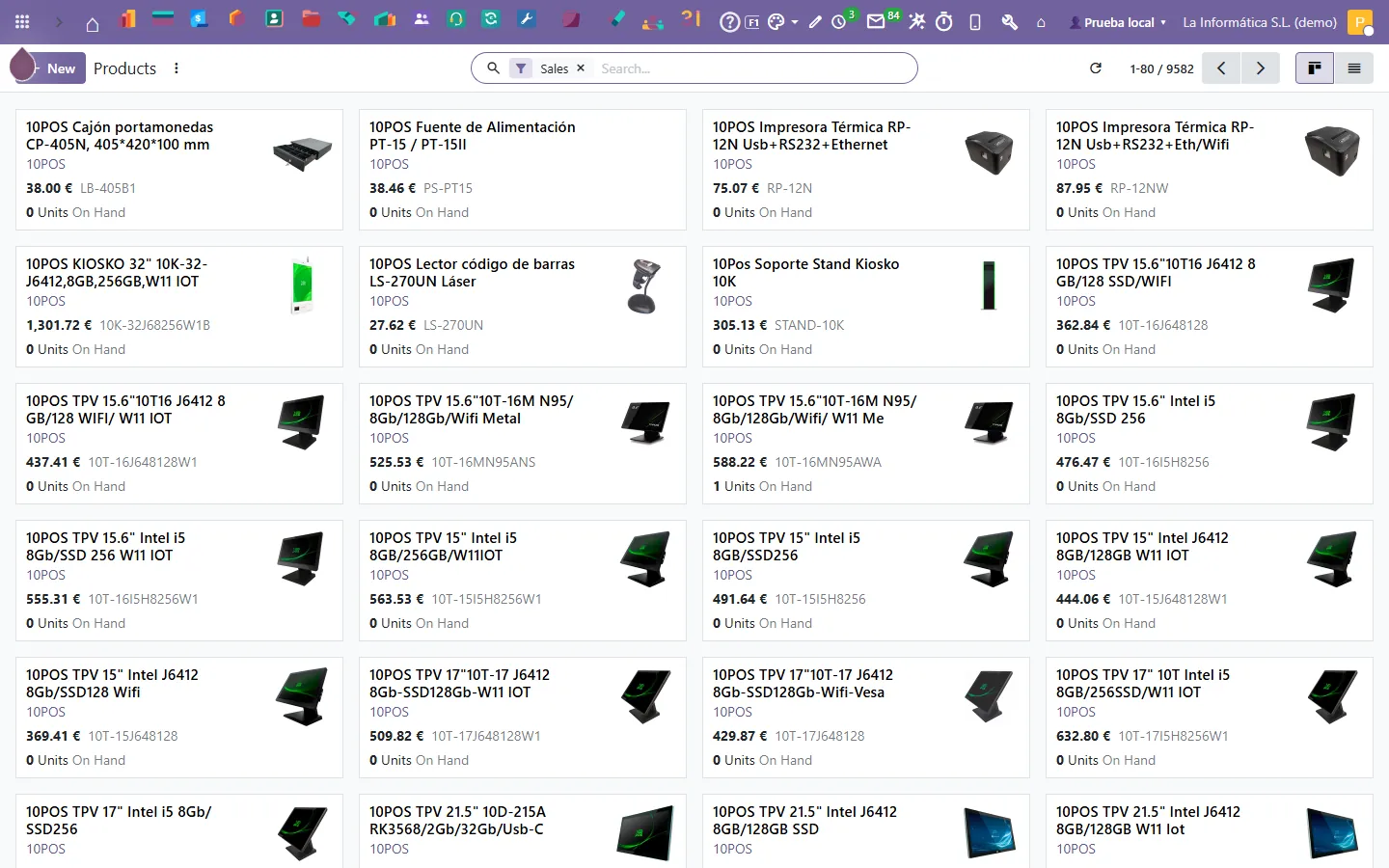
The small product photo in the product search box, in the lists and in the lines of quotes, orders and invoices; families also with a photo.
- Technical name
gerp_imagenes- Author
- GestioERP · SIAM Cloud
Where they appear
In the product search box when typing, in the product list, in the lines of sales and purchase documents and in the Products and Families table of Master data.
The photo in the search box
When you type a product in a line or a record, each option appears with its small photo.
The photo in the lines
Photo column before the description in quotes, sales and purchase orders and invoices.
The photo in the product list
The product list shows the small photo before the name; so does the Products table in Master data.
The family photo
On the category record, the image; if it has none, Master data shows the image of one of its products.
Upload a photo
On the product record press the image and choose the file (or «AI photo»).
Products without a photo
In Shop and web › Products on the website, «Published without a photo» filter.
The size of the photo
Upload the large photo (up to 1920 px); Odoo makes the small ones automatically.
Photos in purchases
Also on the lines of purchase orders and supplier invoices.
Questions
- How do I add a product photo?
- On the product form click the image and upload it; it shows in lists and lines.
- How do I see the photo when searching?
- Each option with a photo.
- How do I see the photo on the quotation?
- Photo column.
- How do I see photos in the list?
- Photo before the name.
- How do I add a category photo?
- On the category form.
- How do I change a product photo?
- Click the image.
- How do I see products without photo?
- «Published without photo» filter.
- How do I what size to upload?
- Up to 1920 px.