
Advanced inventory
ABC turnover with stock-out forecast and days of coverage, stock age and expiry, minimums and maximums calculated from sales and write-offs by reason; it also turns on locations and routes, packages, storage categories, lots, expiry dates, landed costs and dropshipping.
- Technical name
gerp_inventario- Author
- GestioERP · SIAM Cloud
What advanced inventory adds
Four reports and a tool that Odoo Community Inventory does not include, all in Inventory › Reports, plus several Odoo features already turned on.
- ABC turnover and forecast: which products sell most, which do not move and when each one will run out.
- Age and expiry: how long the stock has been in the warehouse and how long it has left before it expires.
- Write-offs by reason: stock write-offs grouped by the reason that was recorded.
- Minimums and maximums from sales: calculates the reordering rules from what has been sold.
- Installing the module also turns on locations and routes, packages, storage categories, lots and serial numbers, expiry dates, landed costs and direct delivery (dropshipping).
ABC turnover and stock-out forecast
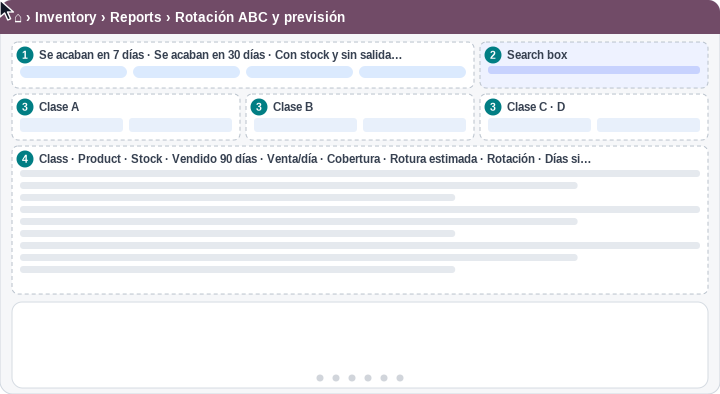
A list of all storable products with their class, daily sales, the days the stock will last and the estimated date it will run out. It always looks at the last 90 days of customer deliveries.
- The filters: those that run out in 7 or 30 days, those with stock and no outgoing movements (class D) and each class separately.
- Search by product or by category. You can group by class (the default) or by category, and switch to a pivot table to see the stock value and the consumption by class.
- A: the products that make up 80 % of the valued consumption; B: up to 95 %; C: the rest. D: with stock and no outgoing movements; N: no stock and no sales.
- The list. «Coverage» is the number of days the stock lasts at the current sales rate; «Turnover» is how many times the stock is sold per year. In orange, those that run out in 7 days or less; in red, class D ones. The footer totals stock, sold and value.
Stock age and expiry
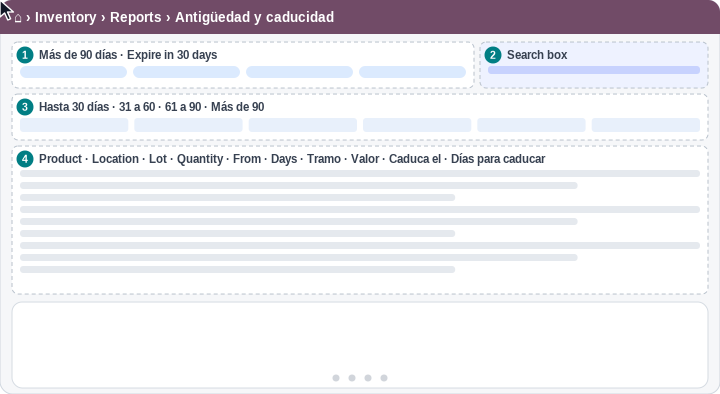
Each stock item with the days it has been in the warehouse, its age band, its value and, if it has a lot with an expiry date, the days it has left.
- Two quick filters: what has been sitting idle for more than 90 days and what expires within 30 days or less (including what has already expired).
- Search by product, lot or location. By default it is grouped by age band; also by product or by location.
- The four age bands: up to 30 days, 31 to 60, 61 to 90 and over 90. The pivot table crosses product and band with the value and the quantity.
- The list, only of stock in internal locations. In orange, what is over 90 days old; in red, what has already expired. The value is quantity times the product cost.
Minimums and maximums from sales
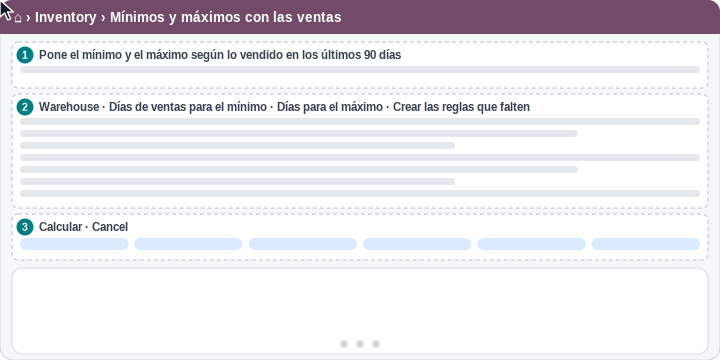
A wizard that fills in the reordering rules (minimum and maximum) from what is actually sold, instead of setting them by hand.
- Open «Minimums and maximums from sales» in the Inventory menu.
- Choose the warehouse and the days of sales for the minimum and the maximum.
- Leave «Create missing rules» ticked if you want new rules for everything that is sold.
- Press «Calculate»: Odoo shows a notice with the rules updated and created.
- The orders Odoo suggests are based on those numbers; review them in Replenishment.
- The calculation is: minimum = daily sales × minimum days; maximum = daily sales × maximum days, rounded up. The maximum is always at least one unit more than the minimum.
- Choose the warehouse and the days (7 and 30 by default; the maximum cannot be lower than the minimum). With «Create missing rules» a rule is created for each product that is sold and does not have one yet.
- «Calculate» updates the existing rules, creates the new ones, says how many and opens the Odoo list of reordering rules.
Write-offs by reason
Stock write-offs made in Odoo (scrap) grouped by the reason tag set when they were written off.
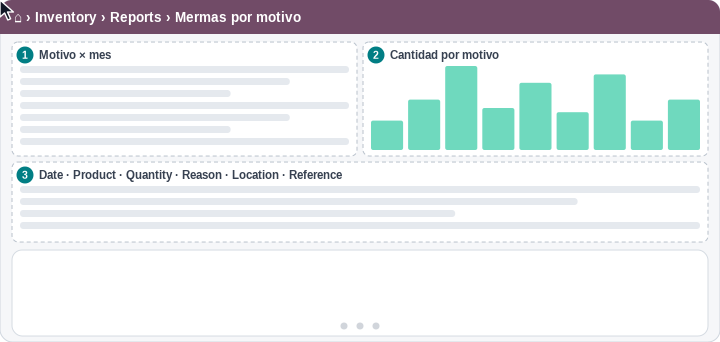
- The default view is a pivot table: rows by reason and columns by month, with the quantity written off.
- The bar chart compares the quantities by reason. Switch between table, chart and list with the view buttons.
- The list with each write-off: date, product, quantity, reasons, source location and reference. Only scrap moves already done are counted.
Odoo features that are turned on
The module gets the warehouse ready to work in an orderly way: there is no need to turn it on by hand in the settings.
- Advanced locations and routes (several locations per warehouse and replenishment routes).
- Packages and storage categories (what fits in each location).
- Lots and serial numbers, with expiry date and the date on the delivery note.
- Landed costs: spread transport, customs and insurance over the cost of what was received.
- Direct delivery (dropshipping): the supplier delivers to the customer without going through your warehouse.
Permissions
Each report is granted or removed in Internal users, as buttons on the Warehouse dashboard.
- «ABC turnover and stock-out forecast» (almacen.rotacion).
- «Stock age and expiry» (almacen.antiguedad).
- «Write-offs by reason» (almacen.mermas).
- «Calculate minimums and maximums from sales» (almacen.reposicion_auto); you also need to be a warehouse manager to change rules.
- When the module is installed, anyone who already had the «Warehouse» permission also gets these four.
- The turnover and age reports only show data from the user's companies.
Questions
- What is ABC rotation?
- Inventory › Reporting › ABC rotation and forecast classifies items by what was delivered to customers in the last 90 days, valued at cost: A items make up 80% of consumption, B up to 95% and C the rest. D items have stock and no outgoing moves, and N have neither stock nor sales.
- When will an item run out?
- In ABC rotation and forecast, the «Coverage» column is the number of days the stock lasts at the pace of the last 90 days' sales and «Estimated stock-out» is today plus those days. The «Run out in 7 days» (or 30) filter shows what to reorder; items at 7 days or less appear in orange.
- Which items don't move?
- In ABC rotation and forecast, the «With stock and no outgoing moves» filter (class D) shows items that have stock and have not been delivered in the last 90 days; they appear in red with their stock value. The «Days without moves» column says how long they have been idle.
- How many days has stock been in the warehouse?
- Inventory › Reporting › Ageing and expiry lists each stock quantity (item, location and lot) with the date it arrived and its days in stock, split into brackets: up to 30 days, 31 to 60, 61 to 90 and over 90. Value is quantity times cost. The «Over 90 days» filter shows the oldest.
- How do I see what expires soon?
- In Ageing and expiry, the «Expire within 30 days» filter shows stock with lots whose expiry date is 30 days or less away (and already expired ones, in red). «Expires on» and «Days to expire» only appear if the lot has an expiry date; the module enables Odoo's expiry dates.
- How do I calculate minimums and maximums?
- Inventory › Min and max from sales: choose the warehouse and the days of sales for the minimum (7) and the maximum (30) and press «Calculate». Each reorder rule gets daily sales × days, rounded up; with «Create missing rules» rules are also created for items that sell but had none. You must be a warehouse manager with the almacen.reposicion_auto permission.
- Which sales does the minimum calculation use?
- It uses what was delivered to customers in the last 90 days (the «sales per day» of the rotation report). Minimum = daily sales × minimum days; maximum = daily sales × maximum days, both rounded up, and the maximum always exceeds the minimum by at least one unit. The wizard will not accept a maximum lower than the minimum.
- How do I see shrinkage?
- Inventory › Reporting › Shrinkage by reason: pivot table with completed stock write-offs (scrap) by reason and month, bar chart and list. The reason is the tag set when the product was scrapped; to keep the report useful, always choose one when writing off.