
Document lines
The lines of quotes, orders, delivery notes, invoices and bills of materials are filled in as in GestioERP: with the arrows, searching for the product by any code and with formulas to set units, price and discount at once.
- Technical name
gerp_lineas- Author
- GestioERP · SIAM Cloud
Moving with the arrows
Inside the lines, ↑ and ↓ go to the same column of the line above or below. ↓ on the last line opens a new line to add another product. ← and → move to the next cell when the cursor is at the start or end of the text. With the suggestion list of a search box open, the arrows move through the suggestions and Enter chooses.
Search the product
In the product box you can type the reference, the barcode, the code the supplier gives it (from any supplier) or part of the description. If it matches a reference or a barcode exactly, that one comes first.
Formulas: REF +3, *price, -discount
After the code, attached to it, you can put formulas: «24B31H+3» sets 3 units; «24B31H*12,50» sets the price to 12.50; «24B31H-10» sets a 10 % discount. They can be combined: «24B31H+3*12,50-10». When you choose the product (Enter), the line takes the units, price and discount from the formula.
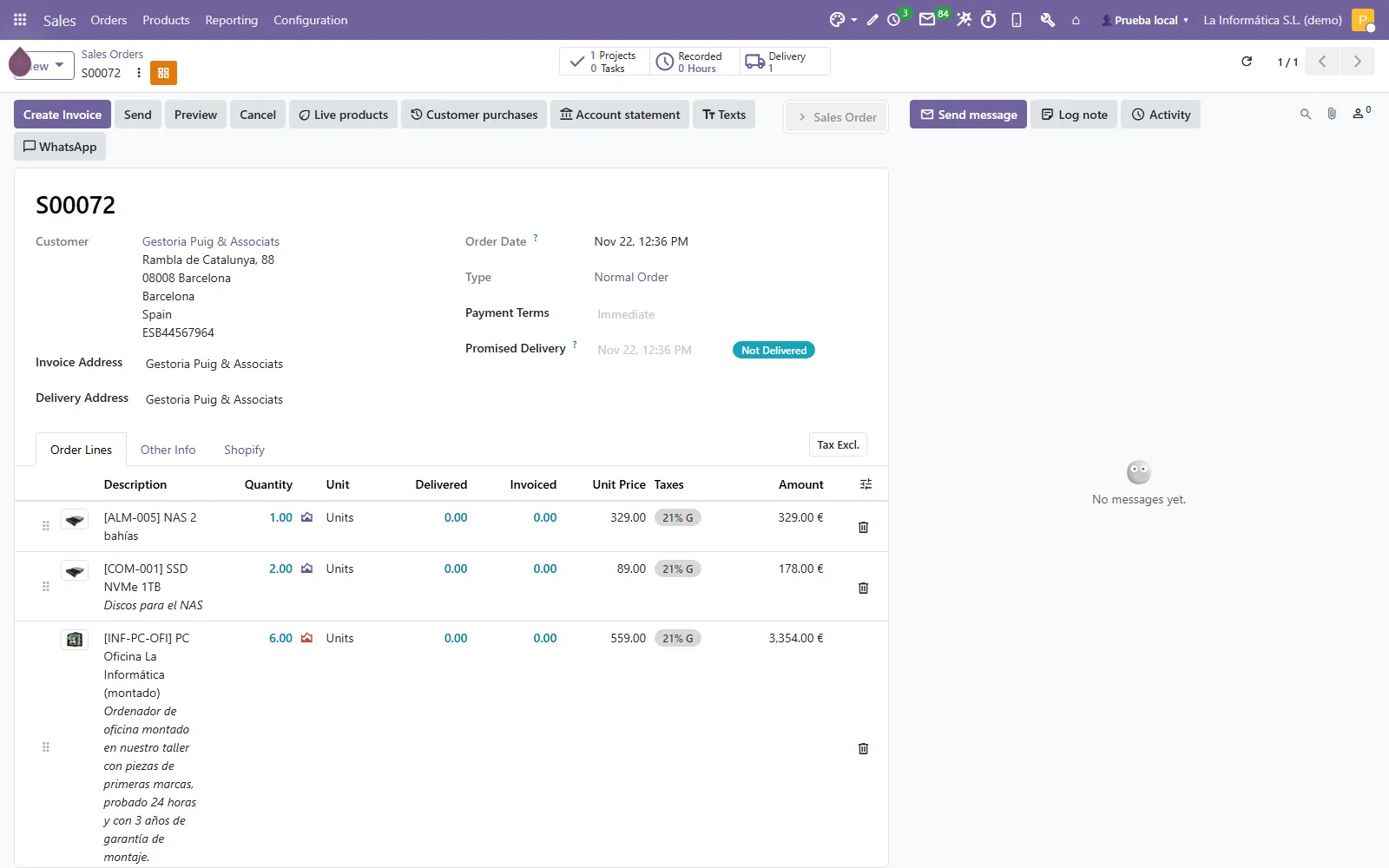
In which documents
In all those that have lines: sales and purchase quotes and orders, invoices, delivery notes and bills of materials. The units go to the quantity column that each document has (quantity, demand or quantity to manufacture).
Questions
- How do I add 3 units with the code?
- Type the product code followed by +3: «24B31H+3». Use *price and -discount too: «24B31H+3*12.50-10». Press Enter.
- How do I move through lines with the keyboard?
- Use the arrows: ↑ ↓ to the line above or below, ← → to the next cell. Down on the last line adds a new one.
- Can I search by vendor code?
- Yes: reference, barcode, any vendor code or part of the description all work.
- How do I set the price when adding a product?
- After the code type * and the price: «24B31H*12.50». It combines with quantity and discount: «24B31H+3*12.50-10».
- How do I add a discount on the line?
- After the code type - and the percentage: «24B31H-10» applies a 10% discount.
- Which documents have fast lines?
- On every document with lines: sales and purchase quotes and orders, delivery notes, customer and supplier invoices and bills of materials.
- How do I combine quantity, price and discount on one line?
- Type it all after the code: «24B31H+3*12.50-10» adds 3 units at 12.50 with a 10% discount.
- Where do the units go on a bill of materials?
- To each document's quantity column: quantity on sales and purchases, demand on delivery notes and quantity to produce on bills of materials.