
Live products and account statement
In quotes, orders and invoices: the last sale of each product (to repeat it), all the customer's purchases and their statement.
- Technical name
gerp_productos_vivos- Author
- GestioERP · SIAM Cloud
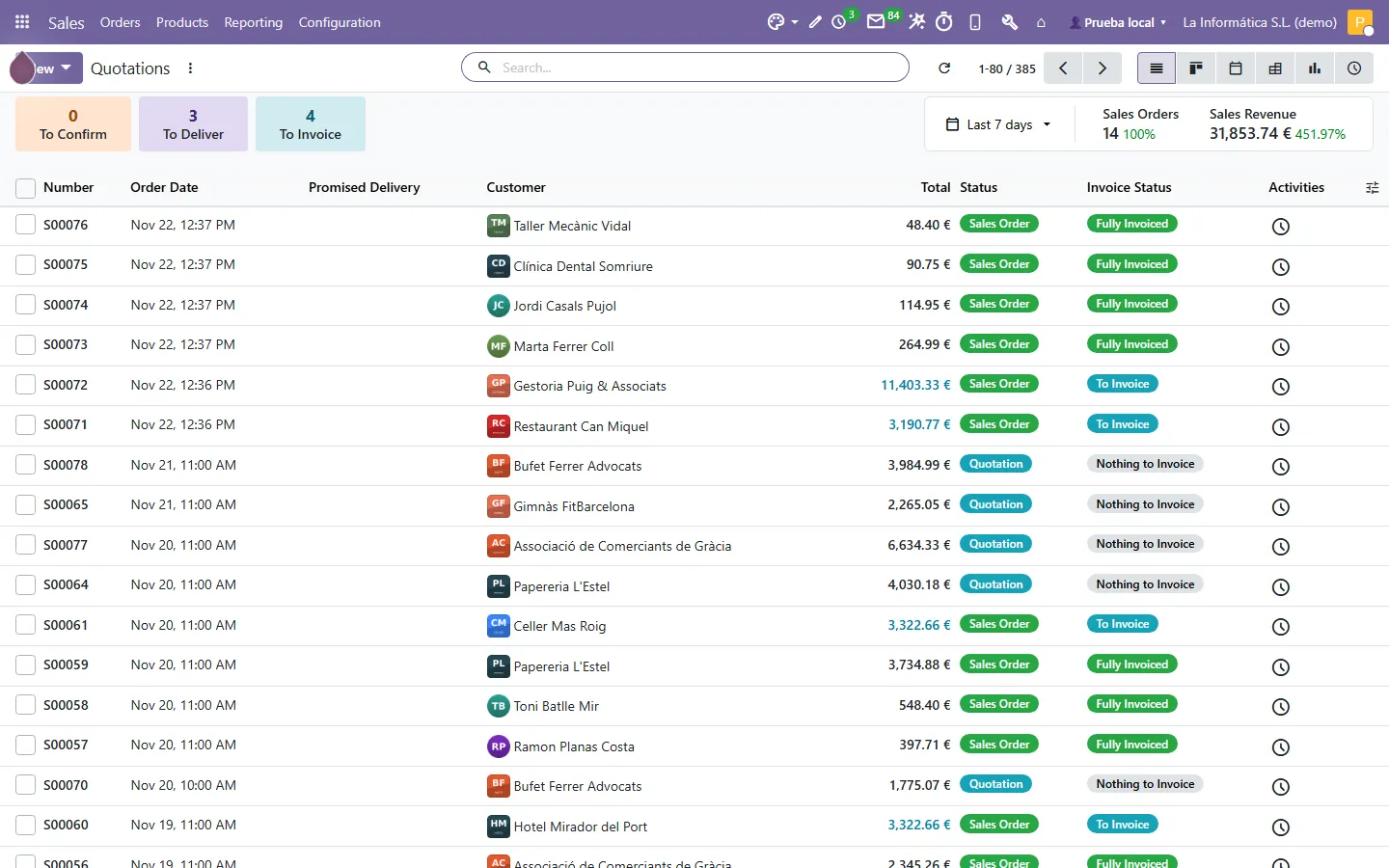
The three buttons
In the header of the sales document and in the customer record.
- Open each window.
- Change the quantity and press «+» (or Enter) to add it to the document; the clock shows the price history.
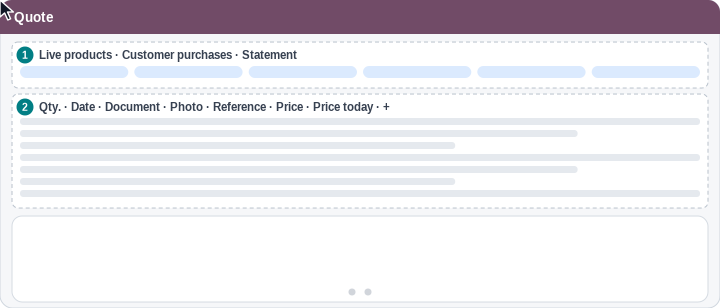
The price history
In Live products press the reference (or the clock): previous sales of that product to that customer with date, document, quantity, price and discount.
Today's price
«Price today» column (the customer's price list); the arrow shows whether it has gone up or down; «+» adds it at that price.
The pending filter
«Pending items» switch: hides what is already in the document.
The margin on live products
«Margin» switch: cost and margin of each line.
Only this customer
«Only this customer» switch (by default everyone's sales are shown, as in GestioERP).
Group the customer's purchases
In the customer's Purchases, «Group» combines the lines by product.
The account statement in PDF
PDF button in the Statement.
The customer's payment method
In the Statement you can change the payment method; «direct debit» if it is a SEPA receipt; its accounts with «+ add another».
Questions
- What did this customer buy last time?
- On the quotation press «Live products» or «Customer purchases» and press «+» to add it.
- What does this customer owe?
- «Statement» button on the document or customer: overdue amount, payment method and invoices.
- How do I see what price I sold at?
- Click the reference: previous sales.
- How do I use today's price?
- «Today's price» column.
- How do I see what they buy that's not on the document?
- «Pending» toggle.
- How do I see each product margin?
- «Margin» toggle.
- How do I see only this customer?
- «Only this customer» toggle.
- How do I group purchases by product?
- «Group».