
Subscriptions (recurring income)
Monthly, quarterly, annual or custom plans with free trial and commitment discount; subscriptions per customer that are invoiced and collected automatically (saved card or SEPA direct debit), upgrade or downgrade with proration, renewal with notice, customer portal, sale in the shop and reports on MRR, ARR, cancellations and forecast.
- Technical name
gerp_suscripciones- Author
- GestioERP · SIAM Cloud
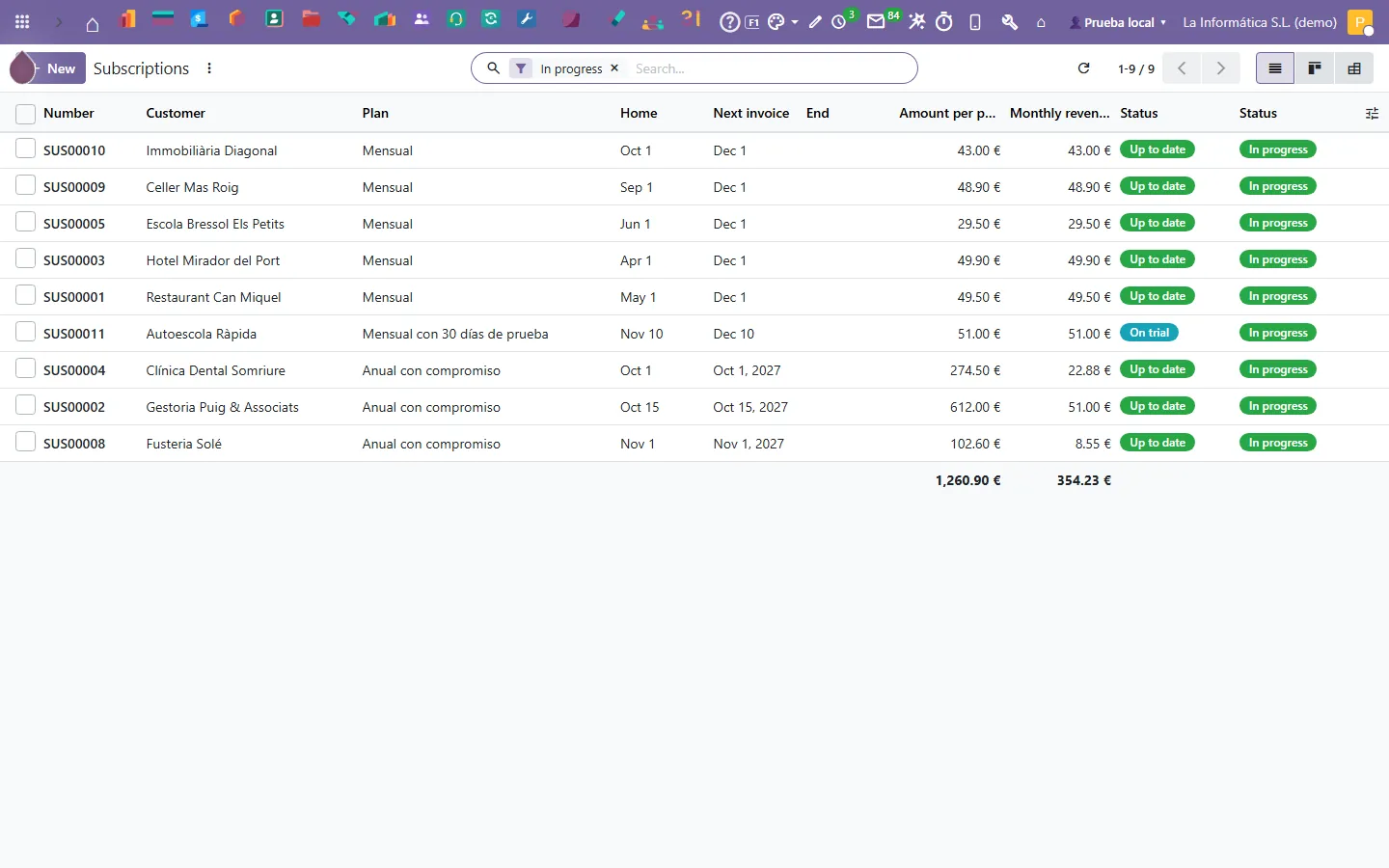
The subscriptions dashboard
Subscriptions › Subscriptions dashboard: monthly (MRR) and annual (ARR) income, the month's new subscriptions and cancellations with churn, what is left to invoice and failed collections; below, the tabs.
- The figures: pressing one opens the list that makes it up.
- Tabs with filters: in progress, to invoice, on trial, renewing soon, failed collection, quotes, on hold and closed.
- Each subscription with its next invoice and its monthly income.
- The buttons; each one is given or removed in Internal users.
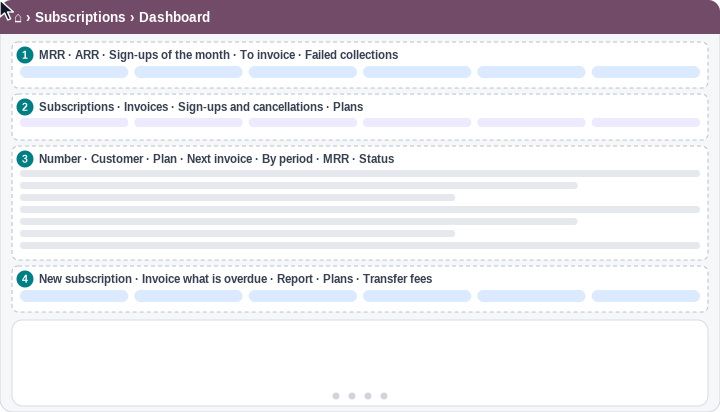
The plans
Subscriptions › Plans: how often it is invoiced (monthly, quarterly, half-yearly, yearly or custom: every N days, weeks, months or years), the price of each product in that plan, the free trial days, the minimum-term commitment with its discount, the duration and the renewal with its notice, how it is collected (card, retries, pause if unpaid) and what the customer can do in their portal.
A subscription
Customer, plan and lines (products or services with their price per period). It starts as a quote: it is sent by email so the customer accepts it in their portal, or you press «Empezar». Once in progress it is invoiced automatically on the next invoice; «Pausar» stops invoicing and «Cerrar» asks for the reason. The history records every sign-up, plan change, pause, renewal and cancellation.
Automatic invoicing and collection
Every day the task «Subscriptions: invoice, collect and notify» makes the invoice for the period of those that fall due, validates it, collects it with the saved card (or leaves it as a direct debit with the SEPA mandate for the remittance) and sends it by email. If the collection fails, it notifies the customer and retries every few days; when the retries run out it marks «Collection failed», notifies the salesperson and, if the plan says so, pauses it.
Upgrade or downgrade plan
In the subscription, «Upgrade or downgrade plan»: the plan and the new lines and from which day. What remains of the already invoiced period is prorated: if it goes up, an invoice for the difference; if it goes down, a credit note.
Customer portal and shop
In «My subscriptions» the customer sees what they have, their invoices and the card they pay with; they can change it and, if the plan allows, pause or cancel (with a commitment, not before it ends). A product with «Subscription plan» in its record is sold in the shop or in an order: when it is confirmed the subscription is created and the card is saved for the following invoices.
Reports
Subscriptions › MRR, cancellations and forecast: month by month the MRR and ARR, new subscriptions, cancellations, upgrades and downgrades, new and lost income, subscription and income churn, and what will be invoiced over the next 12 months. «New, cancelled and changed» lists them one by one with a chart and pivot table.
Transfer fees to subscriptions
GestioERP fees (monthly, quarterly, annual…) are converted into subscriptions with their plan, their line and their next due date; past fees are archived. Those with manually marked months stay as fees.
Permissions
In Internal users, section «Subscriptions»: view the dashboard and, one by one, new subscription, invoice, report, plans, process fees, change plan and pause, and close or reopen.
Questions
- How do I create a subscription?
- Subscriptions › Subscriptions › New: customer, plan and lines; «Start» or send it by email.
- How do I create a monthly or yearly plan?
- Subscriptions › Plans.
- What is MRR?
- MRR is the monthly revenue of running subscriptions. Subscriptions › MRR, churn and forecast.
- How do I upgrade a customer's plan?
- In the subscription, «Upgrade or downgrade plan».
- Payment failed
- The customer is notified and it is retried; they can change the card in their portal.
- How do I invoice subscriptions?
- They are invoiced daily; manually: Subscriptions › Invoice what is due.
- How do I cancel a subscription?
- In the subscription, «Close» with the reason.
- How do I turn fees into subscriptions?
- Subscriptions › Turn fees into subscriptions.