
Texts for documents
Library of texts by groups (payment methods, warranties, installations…) to add with one click to quotes, orders and invoices.
- Technical name
gerp_textos- Author
- GestioERP · SIAM Cloud
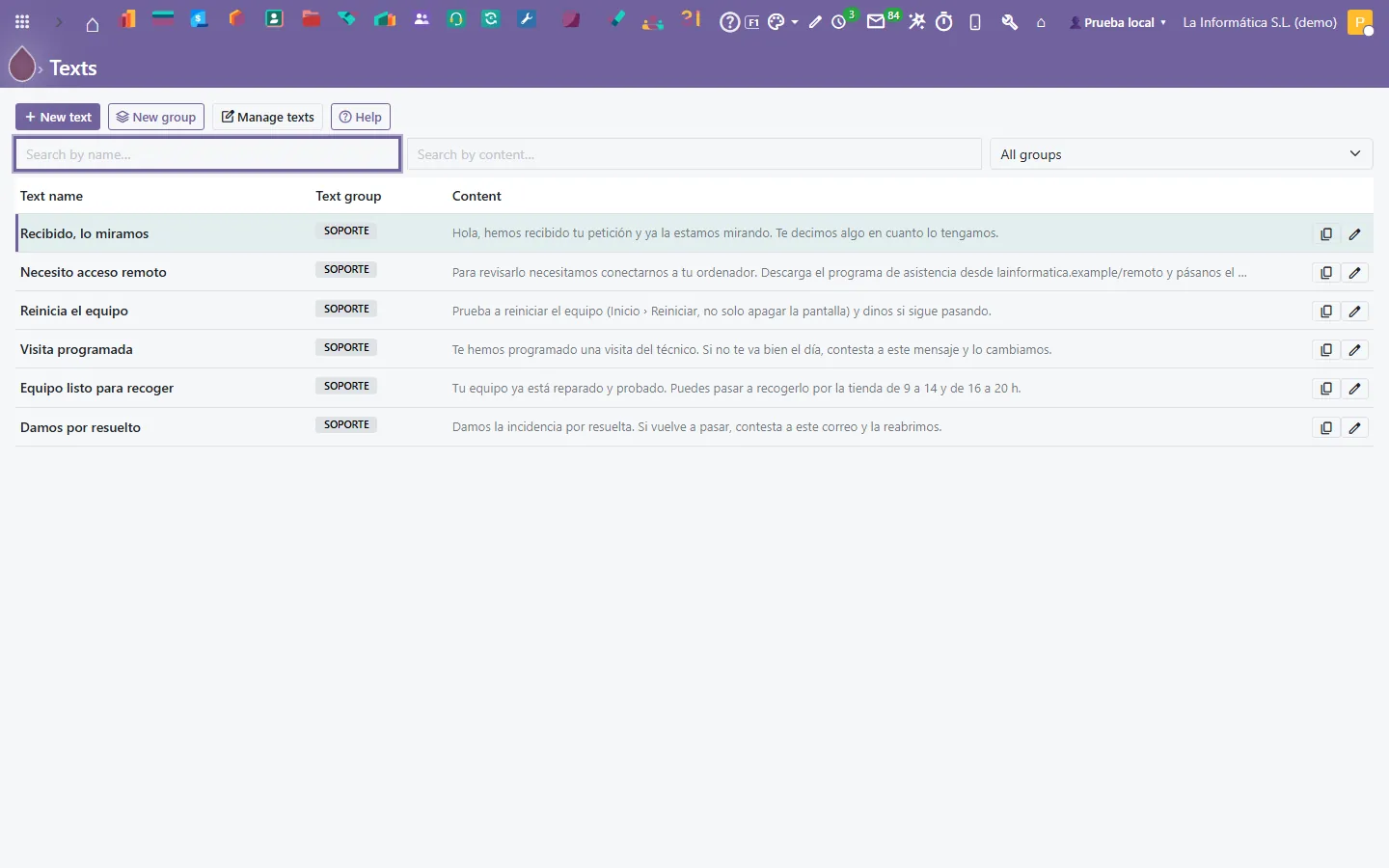
Texts window
«Texts» button in the document header.
- ↑↓ Choose text
- Enter Add it
- Esc Close
- Create texts and groups.
- Search by name or content.
- «+» adds it as a line; the icon, with a title; the speech bubble, to the notes.
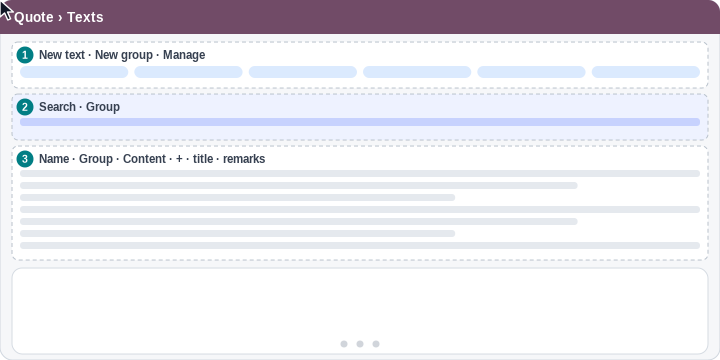
The text groups
In the Texts window, «New group» (or the «+» next to the group when editing a text).
Edit a text
The text's pencil button: name, group, icon and content with bold, lists and links.
Add with title
The button with the text's icon adds its name as a section and the content below.
The document remarks
The text's speech-bubble button adds it at the end of the order terms or the invoice notes.
Copy a text
The text's copy button: creates an identical one for you to change.
Search a text
In Texts, «Search by content» (or by name) and the group selector.
Manage texts
Sales › Texts, or «Manage texts» in the window.
The texts on invoices
On the draft invoice, «Texts»; confirmed invoices do not accept new lines.
Questions
- How do I add a text to a quotation?
- On the quotation press «Texts», find it and press «+». Manage them in Sales › Texts.
- How do I create a text group?
- «New group».
- How do I change a saved text?
- Pencil button.
- How do I add a text as a titled section?
- The icon button adds it with a title.
- How do I put a text in the terms?
- The speech bubble adds it to the terms.
- How do I duplicate a text?
- Copy button.
- How do I search a text by content?
- «Search by content».
- How do I see all texts?
- Sales › Texts.