
Hairdressing and beauty POS
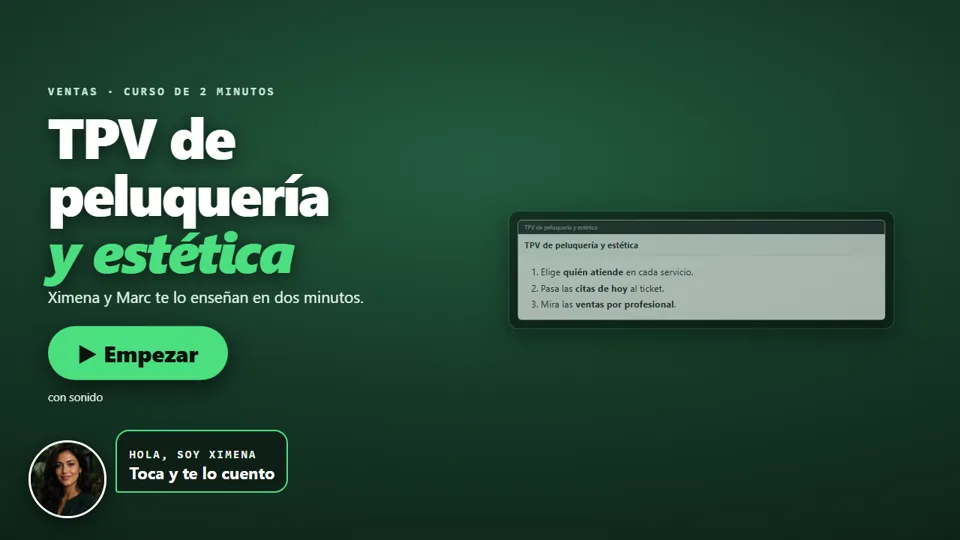
El TPV en peluquerías y centros de estética: cada servicio con su profesional, la agenda de citas (las de hoy en el TPV, pasan al ticket) y las ventas por profesional para las comisiones.
- Technical name
gerp_tpv_estetica- Author
- GestioERP · SIAM Cloud
▶ Video course
Ximena and Marc show you with voice-over and subtitles, in three or four minutes, in Spanish.
Quién atiende
En una caja de tipo «Peluquería y estética», arriba del ticket se elige quién atiende; cada servicio lo lleva y, tocando el nombre en la línea, se cambia. Los profesionales son los empleados de la empresa.
La agenda de citas
En Ventas › Agenda de citas, el calendario del día por profesional. En el TPV, 📅 enseña las de hoy: «+ Cita nueva» y «Al ticket», que pasa la cita al ticket con su servicio y su profesional; al cobrarla queda cobrada.
Ventas por profesional
En Ventas › Ventas por profesional, lo que ha hecho cada uno (hoy o este mes), para las comisiones.
Questions
- How do I set who did the service?
- At the top of the receipt, tap who is serving; on the line, tap the name to change it.
- How do I book an appointment?
- In the POS, 📅 › «+ New appointment»; or in Sales › Appointment book.
- How much has each stylist sold?
- In Sales › Sales by professional.
- How do I move the appointment to the receipt?
- In the POS, 📅 and «To receipt» on the appointment: it comes in with its service and professional; once charged it is marked as paid.
- Who are the professionals?
- They are the company's employees: add them in Employees.
- How do I change a line's professional?
- Tap the professional's name on the receipt line and pick another.
- How do I make the till a hair salon one?
- In the POS till settings, business type «Hair and beauty».
- Can I see today's appointments in the POS?
- Yes: 📅 in the POS shows today's, with time, service and professional.