
Shipments with carrier
Ships a delivery note with the agency (MRW and others): recipient details, packages and weight, tracking number and attached label.
- Technical name
gerp_transportes- Author
- GestioERP · SIAM Cloud
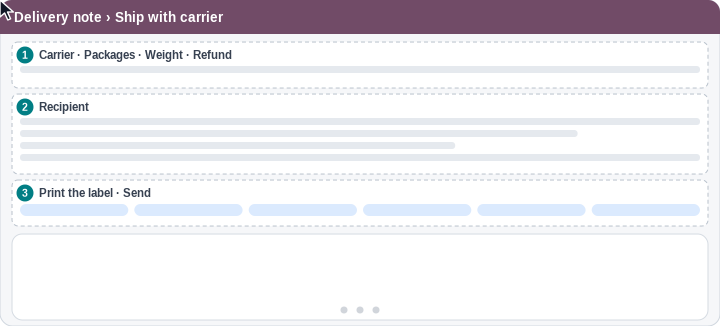
Ship with carrier
Button on the outgoing delivery note.
- Agency, packages, weight (calculated) and cash on delivery.
- Prefilled from the customer; required fields in yellow.
- Send, save the tracking and attach the label.
The transport agencies
Warehouse › Transport agencies: agency details, credentials (administrator only), test or live environment and «Test the connection».
The shipment tracking
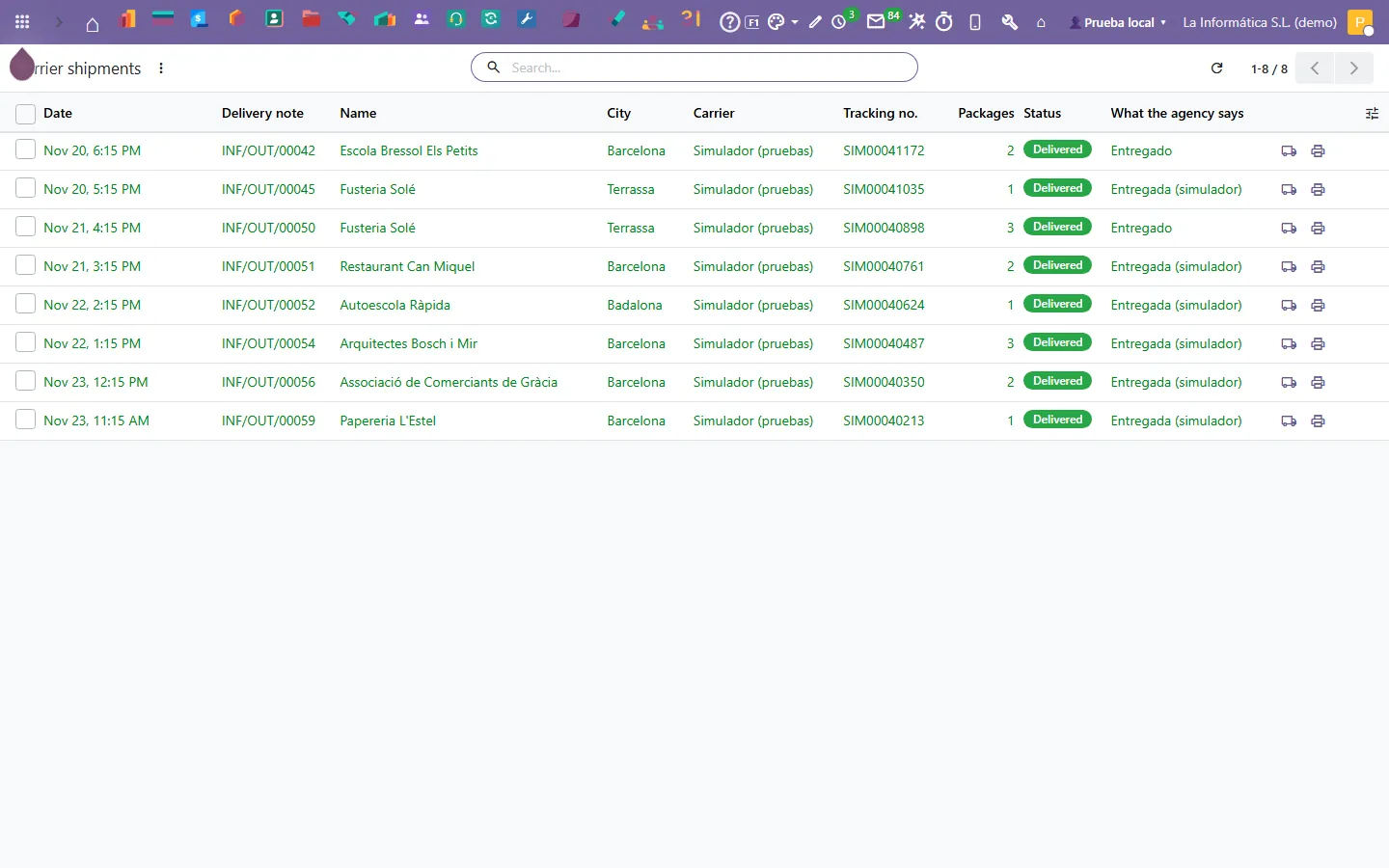
«Tracking» button on the delivery note or, in Shipments with carrier, «See where it is».
Reprint the label
In Shipments with carrier, «Label» requests it again; it is also attached to the delivery note.
Cancel a shipment
Shipments with carrier › «Cancel the shipment».
The refund
Cash on delivery field in the shipping dialog: the amount the courier collects.
The weight and packages
Packages and Weight (kg) in the dialog; the weight is calculated from that of the products.
The shipping simulator
The «Simulator» agency gives a sample number and label for testing.
The list of shipments
Warehouse › Shipments with carrier: status and tracking link for each one.
Questions
- How do I ship with MRW?
- On the delivery press «Send with carrier» and «Send». Carriers in Inventory › Carriers.
- How do I set up MRW?
- Inventory › Carriers.
- How do I track a parcel?
- «Tracking» button.
- How do I print the label again?
- «Label».
- How do I cancel a shipment?
- «Cancel shipment».
- How do I ship cash on delivery?
- COD field.
- How do I set the parcels?
- Parcels and Weight.
- How do I test without shipping?
- The «Simulator» carrier.